How to Delete Stored Fingerprints on Smart Lock

If you no longer want someone whom you had set up a fingerprint for before to access your smart lock, you can follow the steps below to delete a fingerprint:


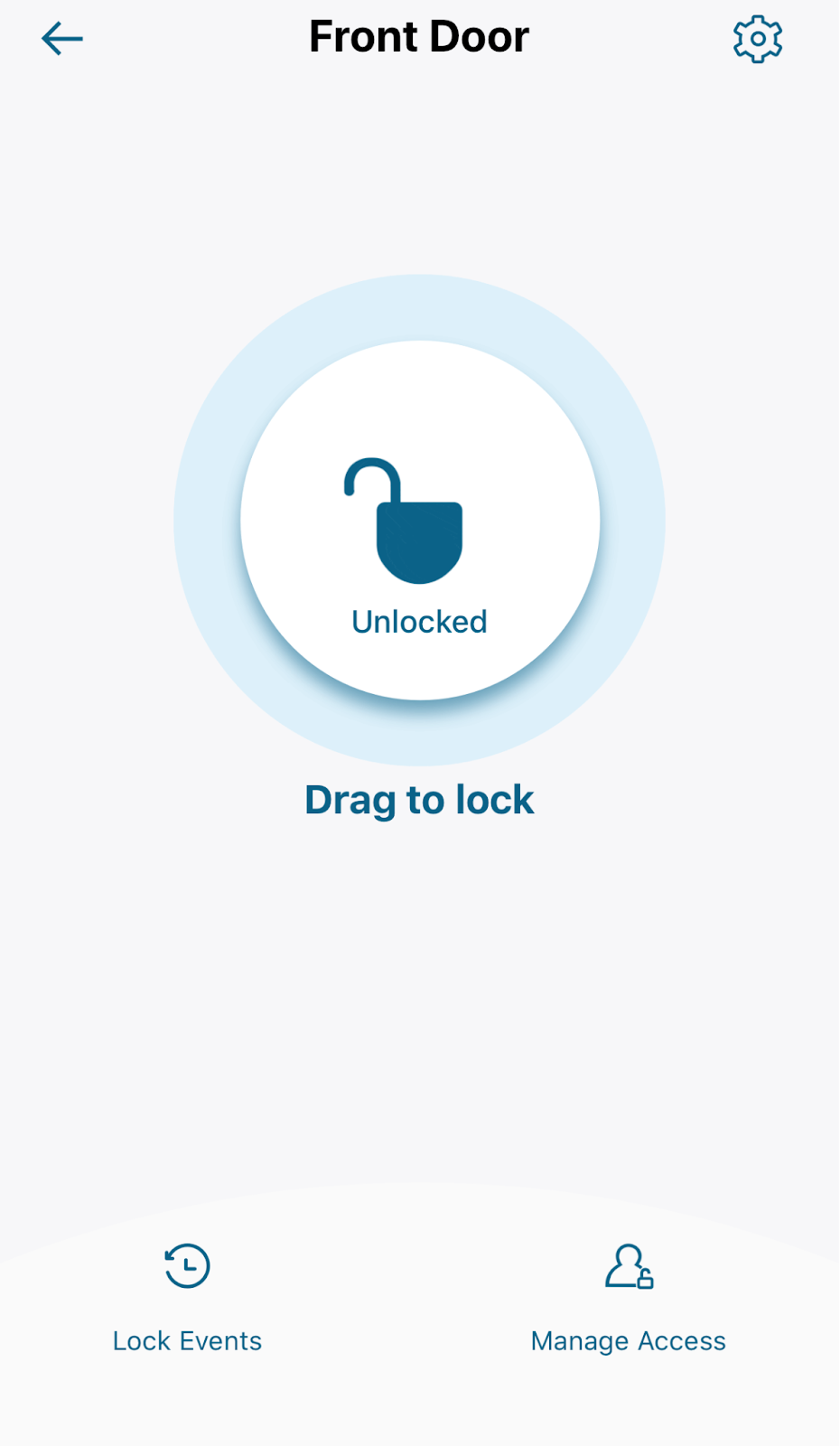
1. Go to your lock's page and connect to your lock.


2. Go to "Manage Access" at the bottom right corner of the screen.


3. Find the person you want to delete fingerprints for.


4. In Access Info, tap "Fingerprint".


5. Tap the fingerprint you want to delete.


6. Tap "Delete Print".


If you have any questions, please contact us for further assistance.

Unresolved icon
178 undefined
Download icon
eufy Security Video Smart Lock E330 (T8531) / eufy Security Video Smart Lock E330 with Chime (E8531) USER GUIDE
Download icon
eufy Security Video Smart Lock E330 (T8531) / eufy Security Video Smart Lock E330 with Chime (E8531) GUIDE D’UTILISATION
Download icon
GUÍA DEL USUARIO de eufy Security Video Smart Lock E330 (T8531) / eufy Security Video Smart Lock E330 with Chime (E8531)
Download icon
【T8531】【eufy Video Smart Lock E330】EU Declaration
Download icon
Smart_Lock_Front_Door_manual_us
Download icon
Smart_Lock_with_Wi-Fi_Bridge_manual_us
View More
Play videoeufy Security App Functions
eufy Security App Functions
Play videoeufy Security App Functions
eufy Security App Functions
Play videoHow to Install eufy Smart Lock Front Door
How to Install eufy Smart Lock Front Door
Play videoeufy Security App Functions
eufy Security App Functions
Play videoHow to Install eufy Smart Lock Front Door
How to Install eufy Smart Lock Front Door
Play videoeufy Security App Functions
eufy Security App Functions
View More
Contact Us
Buy on the eufy Store
Download the App
affirmamazonPayamexapplePaydinnersClubdiscovergooglePaymastercardpaypalshopPayvenmovisa