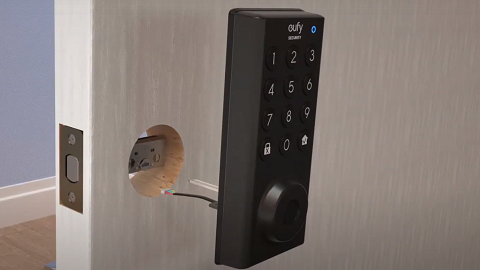
How to Enable/Disable eufy Smart Lock Sound

Follow the steps below to learn how to enable or disable eufy smart lock sound using the eufy app.


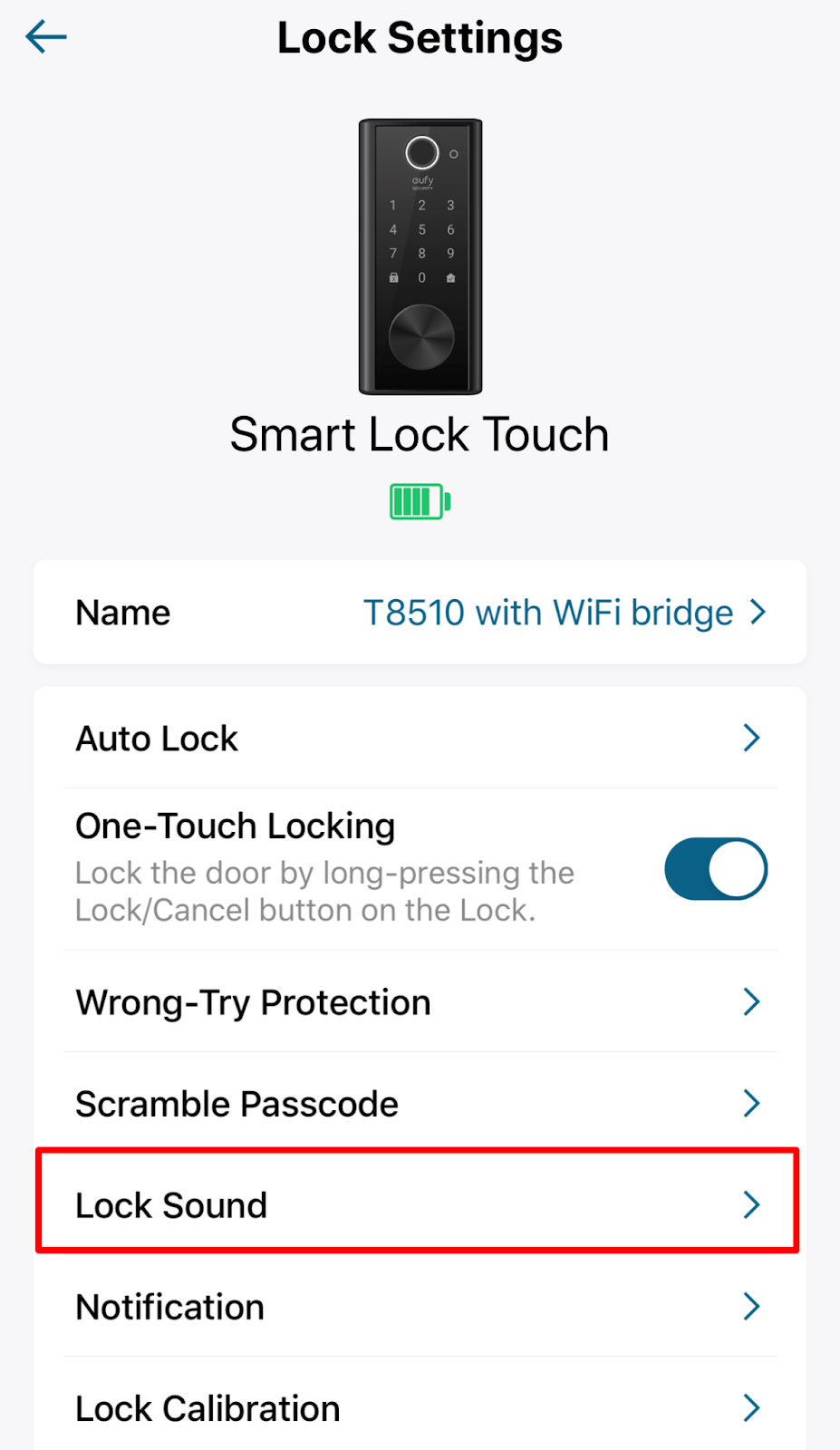
By default, eufy Smart Locks make sounds when locking and unlocking the door. It is easy to enable or disable eufy smart lock sounds by following the steps below.


1. Tap the Setting button on the smart lock device tab.


2. In lock settings, please click Lock Sound.


3. Toggle Lock Sound right/left to enable/disable the sound and adjust the volume from low to high.


If the above instructions cannot help you with your questions, please contact us for further assistance.

Unresolved icon
278 undefined
Download icon
eufy Security Video Smart Lock E330 (T8531) / eufy Security Video Smart Lock E330 with Chime (E8531) USER GUIDE
Download icon
eufy Security Video Smart Lock E330 (T8531) / eufy Security Video Smart Lock E330 with Chime (E8531) GUIDE D’UTILISATION
Download icon
GUÍA DEL USUARIO de eufy Security Video Smart Lock E330 (T8531) / eufy Security Video Smart Lock E330 with Chime (E8531)
Download icon
【T8531】【eufy Video Smart Lock E330】EU Declaration
Download icon
Smart_Lock_Touch&Wi-Fi_manual_us
Download icon
eufy S231 Smart Lock User Manual
View More
Play videoeufy Security App Functions
eufy Security App Functions
Play videoeufy Security App Functions
eufy Security App Functions
Play videoHow to set up eufy Security Smart Lock Touch & Wi-Fi
How to set up eufy Security Smart Lock Touch & Wi-Fi
Play videoIntroducing eufy Smart Lock Touch & Wi-Fi
Introducing eufy Smart Lock Touch & Wi-Fi
Play videoeufy Security App Functions
eufy Security App Functions
Play videoHow to Install eufy Smart Lock Front Door
How to Install eufy Smart Lock Front Door
View More
Contact Us
Buy on the eufy Store
Download the App
affirmamazonPayamexapplePaydinnersClubdiscovergooglePaymastercardpaypalshopPayvenmovisa