What Should I Do if My RoboVac L70 Hybrid Stops with Error 17?

RoboVac’s Voice Alerts When It Encounters an Issue

Some of eufy’s RoboVac models provide users with audible voice alerts when the RoboVac encounters an issue.  In order to correctly troubleshoot and resolve specific issues of your RoboVac, please first find out the exact voice alert error triggered by the RoboVac.


What Caused Voice Alert: Error 17?

This error is triggered when RoboVac detects a restricted area.  This could be caused by RoboVac detecting areas where the user has set a virtual “No-Go” or “No-Mop” zone using the eufy Clean app, resulting in RoboVac unable to navigate too close to the specific restricted area.


How Do I Fix Voice Alert: Error 17?

To troubleshoot and fix this specific issue, please follow the steps listed below:

  1. Pause the RoboVac.
  2. Move the RoboVac to a new location farther away from the restricted zone.
  3. Resume cleaning on the RoboVac to verify it is able to continue its cleaning cycle without issues.
 

If you still have questions regarding RoboVac’s voice alerts, please contact us for further assistance.

Unresolved icon
185 undefined
How to factory reset my RoboVac's WiFi?
26779 views1 likes/2025-04-07 18:24:15
What if My RoboVac Stops with Error S1? (for L70/G Series)
15367 views4 likes/2025-04-07 18:23:27
How to connect RoboVac to WiFi? (For Android)
14126 views9 likes/2025-04-07 18:04:53
What if my RoboVac runs with a loud noise?
10064 views2 likes/2025-04-07 18:26:09
eufy Warranty Policy
19849 views1 likes/2024-11-27 10:27:18
How to connect RoboVac to WiFi (For iOS)?
8607 views1 likes/2025-04-07 18:04:52
When should I replace the battery on my eufy RoboVac?
11486 views1 likes/2025-04-07 18:06:28
What should I do if my RoboVac is offline?
14521 views1 likes/2025-04-07 18:06:39
Download icon
RoboVac LR20_EN/ES/FR_Manual
Download icon
RoboVac LR20_EN_Manual
Download icon
RoboVac LR20_EN/ES/FR_Quick Start Guide
Download icon
RoboVac LR30 Hybrid_EN/DE/ES/FR/IT/TR/RU/NL_Manual
Download icon
RoboVac LR30/L35 Hybrid_EN&ES_Quick Start Guide
Download icon
RoboVac LR30 Hybrid_EN/ES_Manual
View More
Play videoHow to Connect RoboVac to Android Devices
How to Connect RoboVac to Android Devices
Play videoHow to Connect RoboVac to iOS Devices
How to Connect RoboVac to iOS Devices
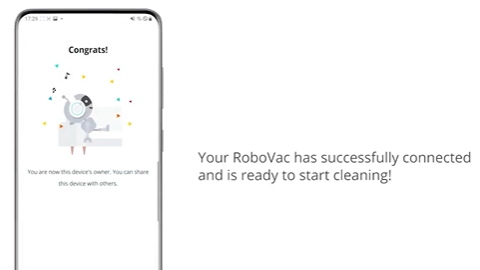
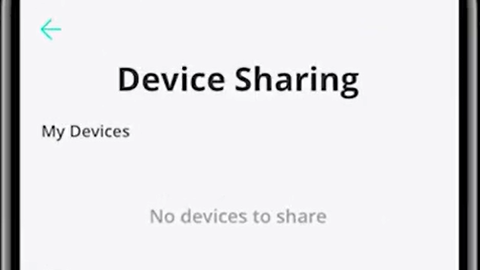
Play videoHow to Share RoboVac Access with Others
How to Share RoboVac Access with Others
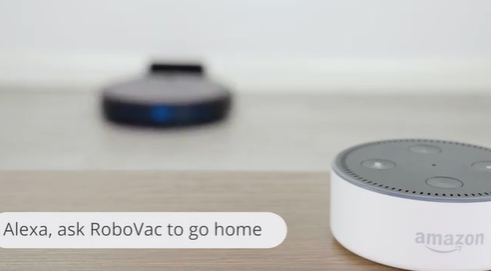
Play videoHow to Link Your RoboVac with Alexa
How to Link Your RoboVac with Alexa
Play videoConnecting RoboVac to an Android phone (30C as an example)
Connecting RoboVac to an Android phone (30C as an example)
Play videoConnecting RoboVac to an iOS phone (30C as an example)
Connecting RoboVac to an iOS phone (30C as an example)
View More
Contact Us
Buy on the eufy Store
Download the App
affirmamazonPayamexapplePaydinnersClubdiscovergooglePaymastercardpaypalshopPayvenmovisa