What should I do if my RoboVac L70 Hybrid stops with Error 2/Error S2?
What Caused the Voice Alert: Error 2/Error S2?
This error is triggered when RoboVac’s wheel is stuck. This could be caused by RoboVac accidentally running over objects on the floor, resulting in objects getting stuck or trapped in one or both of RoboVac’s wheels and wheels are unable to spin freely.
How Do I Fix the Voice AlertError 2/Error S2?
To troubleshoot and fix this specific issue, please follow the steps listed below:
Power off the RoboVac
Inspect both wheels to make sure there are no objects stuck in the wheels, and clear any visible dirt and debris in the surrounding area.
Manually spin both wheels slowly and also press down on both wheels to verify they can spring back up without issues.
Power on and start the RoboVac to verify its wheel issue has been resolved.
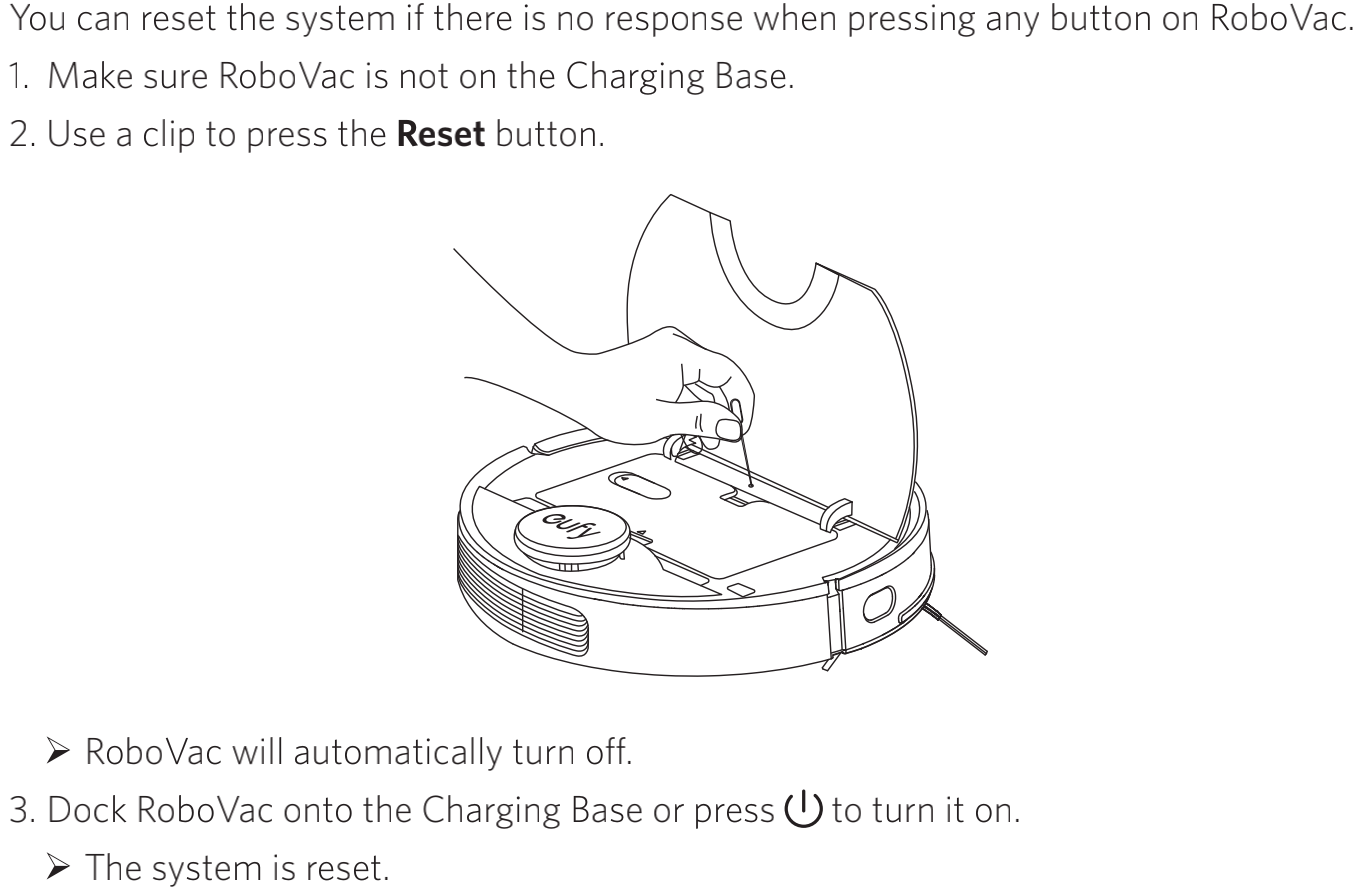
Reset the vacuum to the factory settings.
If the issue persists, please contact usfor further assistance.