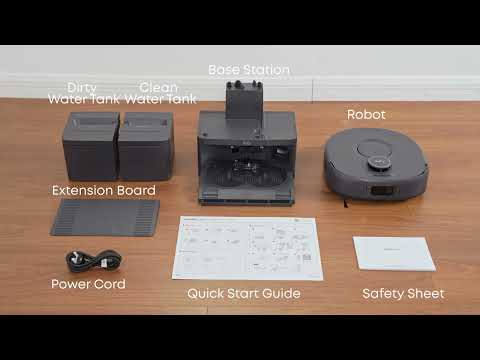
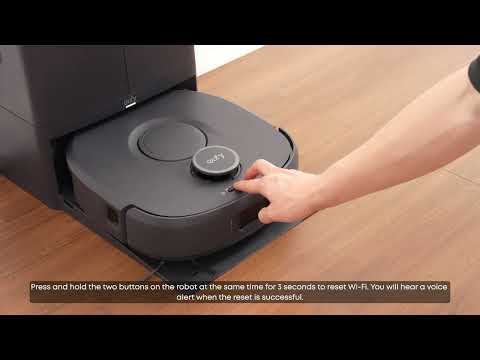
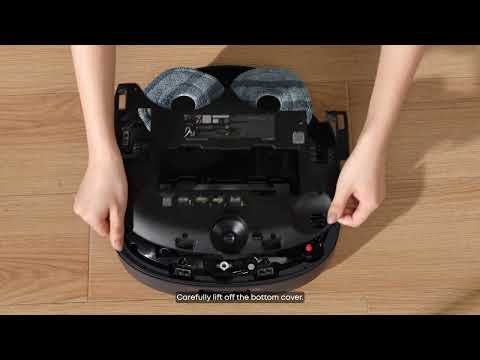
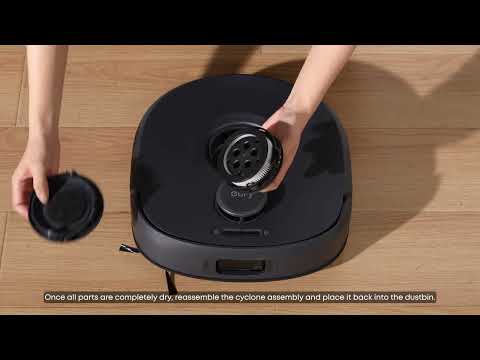
The Omni C30 Edge has a circular body design, which can result in geometric blind spots along edges and in corners. This is a physical limitation shared by disc-shaped robot vacuums.
The Omni C30 Edge features a mopping pad extension function with an outer rotation angle of 70 degrees. The mopping pad can extend up to 40 mm beyond the robot's body during edge mopping, significantly reducing edge blind spots. Furthermore, the robot also requires at least 12 cm of clearance to enter and clean underneath cabinets. If the clearance is less than 12 cm, the robot cannot enter the area.
Recommended Solutions
-
Manually Clean Edge and Corner Areas
Some blind spots in corners and along edges are normal due to the robot's circular design. For areas that the Omni C30 Edge cannot fully reach, manually clean them with a vacuum or mop once or twice a week.
-
Check Cabinet Clearance Height
Measure the clearance beneath the cabinet:
-
12 cm or more: The Omni C30 Edge can enter and clean underneath the cabinet, provided there is sufficient clearance for the robot to maneuver.
-
Less than 12 cm: The Omni C30 Edge cannot enter the area.
If you have any other questions about the Omni C30 Edge, please don't hesitate to contact eufy Support Center for further assistance.