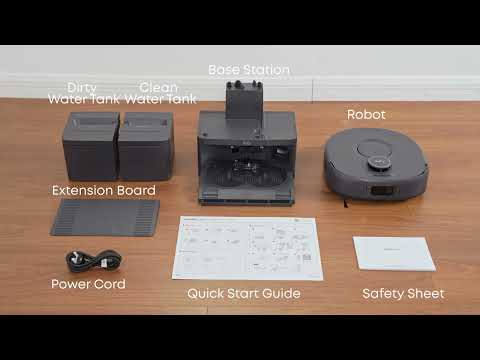
The Omni C30 Edge features a Deep Carpet Cleaning function designed for homes where carpets are frequently used. To use this function, the Omni C30 Edge must have already identified carpets in the home, or carpets must have been manually added using the Map Editing feature.
Recommended Solutions
-
Select the Carpet to Clean (First-Time Use)
When using the Deep Carpet Cleaning function for the first time, select the carpet you want the Omni C30 Edge to clean. Avoid selecting extra-long pile carpets, as the robot may become stuck during cleaning.
-
Schedule a Carpet Cleaning Task
You can schedule the carpet cleaning task in the Anker eufy app. This allows the Omni C30 Edge to automatically perform deep carpet cleaning at your preferred time.
-
The Robot Performs Deep Vacuuming in a Crosshatch Pattern
After the task starts, the Omni C30 Edge performs deep vacuuming in a crosshatch pattern on the selected carpet.
-
Edit the Carpet Selection
To change which carpet the Omni C30 Edge cleans:
-
Swipe up on the cleaning panel.
-
Select Edit.
-
Tap the corresponding carpet cleaning task.
-
Reselect the carpet you want to clean.
The updated carpet selection will be used for future runs of the task.
If you have any other questions about the Omni C30 Edge, please don't hesitate to contact eufy Support Center for further assistance.