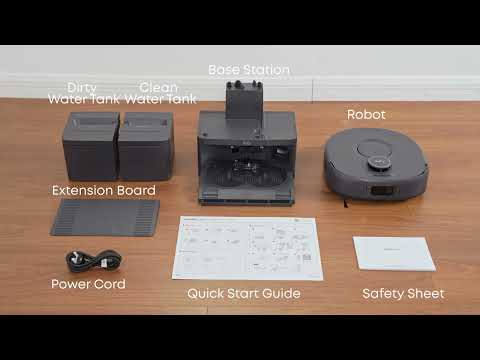
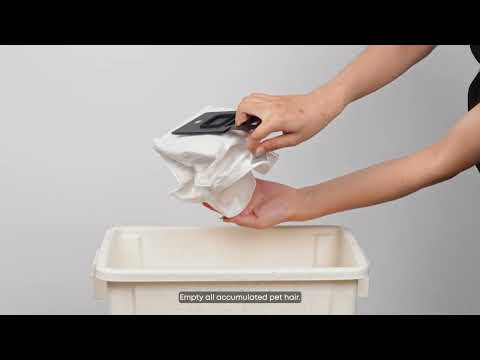
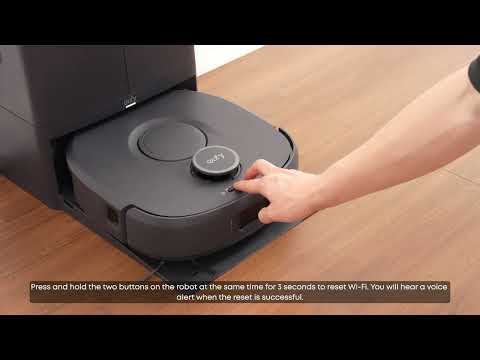
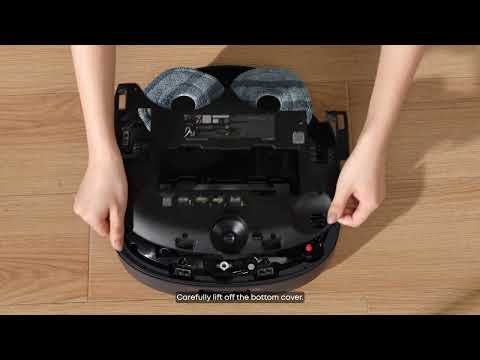
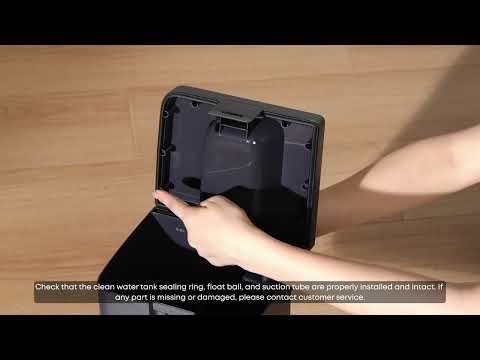
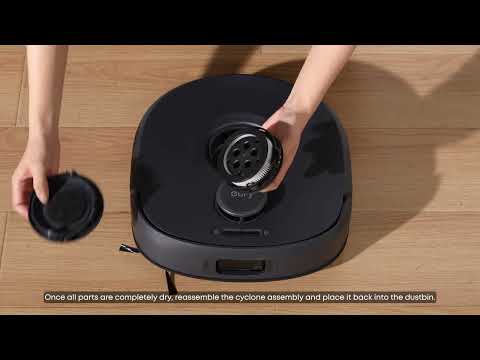
When the Omni C30 Edge returns to the base station for dust collection, the robot and base station perform a docking action to ensure proper alignment for charging and dust collection. During dust collection, the base station fan operates at maximum power for approximately 8 to 15 seconds to transfer debris from the robot's dustbin into the dust bag. This process generates noise of approximately 75 dBA, which is comparable to the sound of a vacuum cleaner. The noise lasts only for a short period and is a normal part of the dust collection process.
However, if the dust collection sound suddenly becomes significantly louder or changes to a sharp whistling sound, the dust collection channel may be blocked.
Recommended Solutions
-
No Action Is Needed for Brief Dust Collection Noise
The dust collection process typically lasts less than 15 seconds, and the resulting noise is temporary. No action is required.
-
Schedule Cleaning During Daytime Hours
If the robot is used in a quiet environment or at night, schedule cleaning plans during daytime hours in the Anker eufy app. This helps prevent the Omni C30 Edge from returning to the base station and triggering the dust collection function late at night.
-
Do Not Disable the Dust Collection Function
The dust collection function cannot be disabled in the Anker eufy app. Dust collection is necessary to prevent debris from accumulating in the robot's dustbin and to help maintain suction performance.
-
Contact Customer Support for Abnormal or Sharp Sounds
If the dust collection sound suddenly becomes louder than usual or produces a sharp whistling noise, the dust collection channel may be blocked. In this case, contact eufy Customer Support for further assistance.
Tips for Normal Dust Collection
Brief, loud noise during dust collection is normal and typically lasts less than 15 seconds. If the sound is unusually loud, persistent, or accompanied by a sharp whistling noise, contact eufy Customer Support for assistance.
If you have any other questions about the Omni C30 Edge, please don't hesitate to contact eufy Support Center for further assistance.