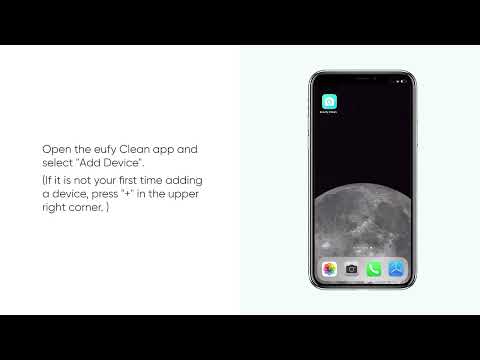
The eufy Clean app is taking user convenience to the next level with the introduction of the new Scenario feature for the X10 Pro Omni robotic vacuum cleaner. This innovative feature allows users to save their most commonly used cleaning tasks as quick-access scenarios. With just a single tap on the app's home screen, users can initiate a new cleaning session without the hassle of repeatedly setting up the map and cleaning mode for each cleaning cycle.
To streamline your cleaning experience, we have prepared three recommended scenarios for users to save them with a single tap. If these scenarios do not meet your needs, you can easily delete them by swiping left under More > My Scenarios.
- Full Home Daily Cleaning
- Full Home Deep Cleaning
- Post-Meal Cleanup
For users with specific cleaning needs, the eufy Clean app allows you to customize your cleaning areas and parameters to create your customized scenarios.


Users have full control over different cleaning scenarios. By navigating to More > My Scenarios, you can edit, rename, or delete your customized scenarios to ensure that they can always meet your current cleaning requirements.
Please note that the Scenario feature is linked to saved maps; therefore, certain changes can invalidate a scenario:
- If the map designated for a scenario is deleted.
- If the rooms specified in a scenario are either merged or split.
Should a scenario become invalid, you will need to edit the scenario and reassign the cleaning areas to reactivate it.
In summary, the new Scenario feature in the eufy Clean app for the X10 Pro Omni is designed to make users' cleaning routine as effortless as possible. By allowing users to quickly access their preferred cleaning tasks, the Scenario feature ensures that keeping your home clean is simply one finger tap away. Whether you are maintaining the daily cleanliness of your home, undertaking a thorough cleaning, or tidying up after a meal, the X10 Pro Omni, paired with the eufy Clean app's Scenario feature, adapts to your lifestyle with ease!
If you have any further questions or concerns, please don't hesitate to contact us for assistance.