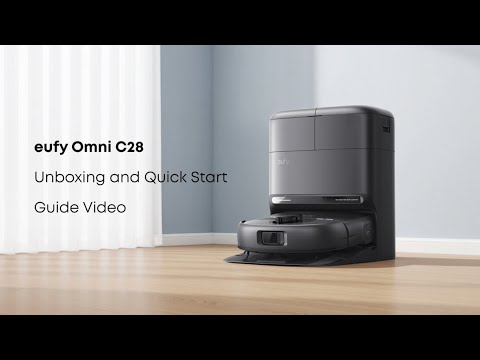
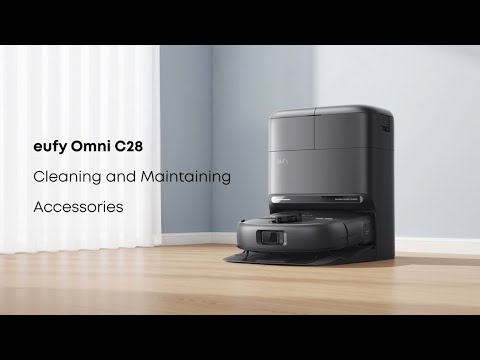
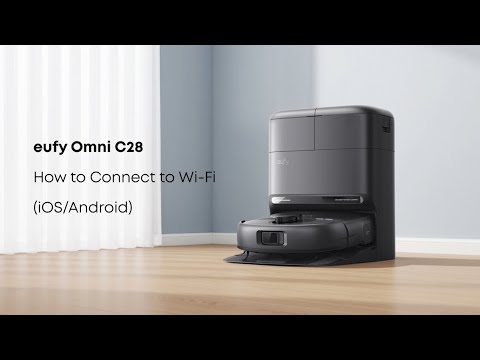
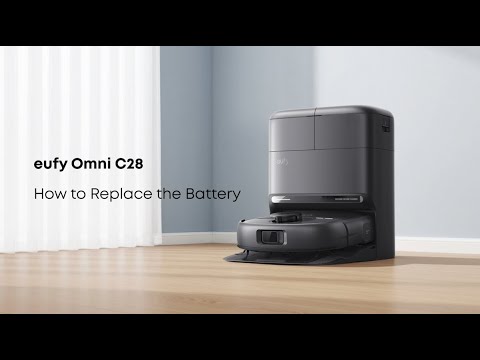
The Omni C28 features an intelligent drying system designed to provide an efficient and convenient mop-drying experience. Below is a detailed overview of its key capabilities:
-
Hot Air Drying Technology
The Omni Base Station utilizes hot air at 35–50°C to dry the mop efficiently. The system automatically adjusts the drying temperature based on the ambient environment:
-
In low-temperature conditions, the temperature increases to ensure thorough drying.
-
In high-temperature conditions, the temperature is lowered to conserve energy without compromising effectiveness.
-
Drying Mode
The drying function offers two selectable modes to suit different needs:
-
Quick Mode: 3.5 hours. This mode is only suitable for very dry areas; for other areas, the Standard Mode is recommended.
After you have finished drying using this option, it is recommended to check if the mop is dry. If it is dry, you can continue using it; otherwise, you need to switch back to the standard mode.
-
Standard Mode: 5 hours. This mode is the default setting, recommended for humid environments to ensure complete drying and prevent residual moisture or odor.
All settings can be adjusted easily through the app. For humid environments, it is highly recommended to start with Standard Mode to maintain optimal mop hygiene.
If you have any other questions regarding the Omni C28, please don't hesitate to contact eufy Support Center for further assistance.