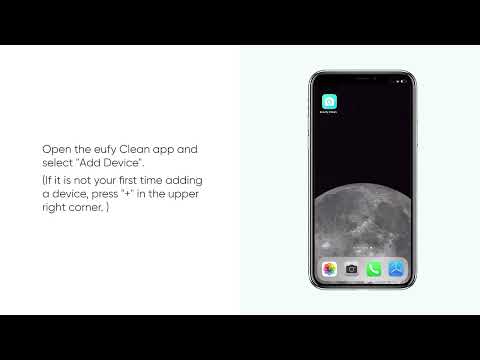
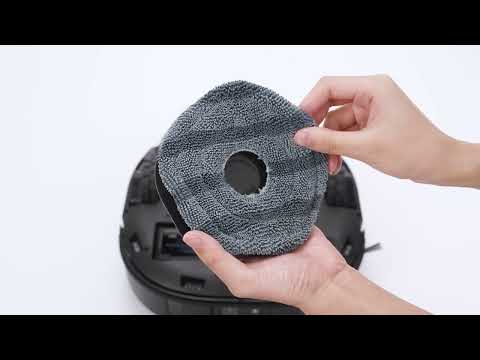
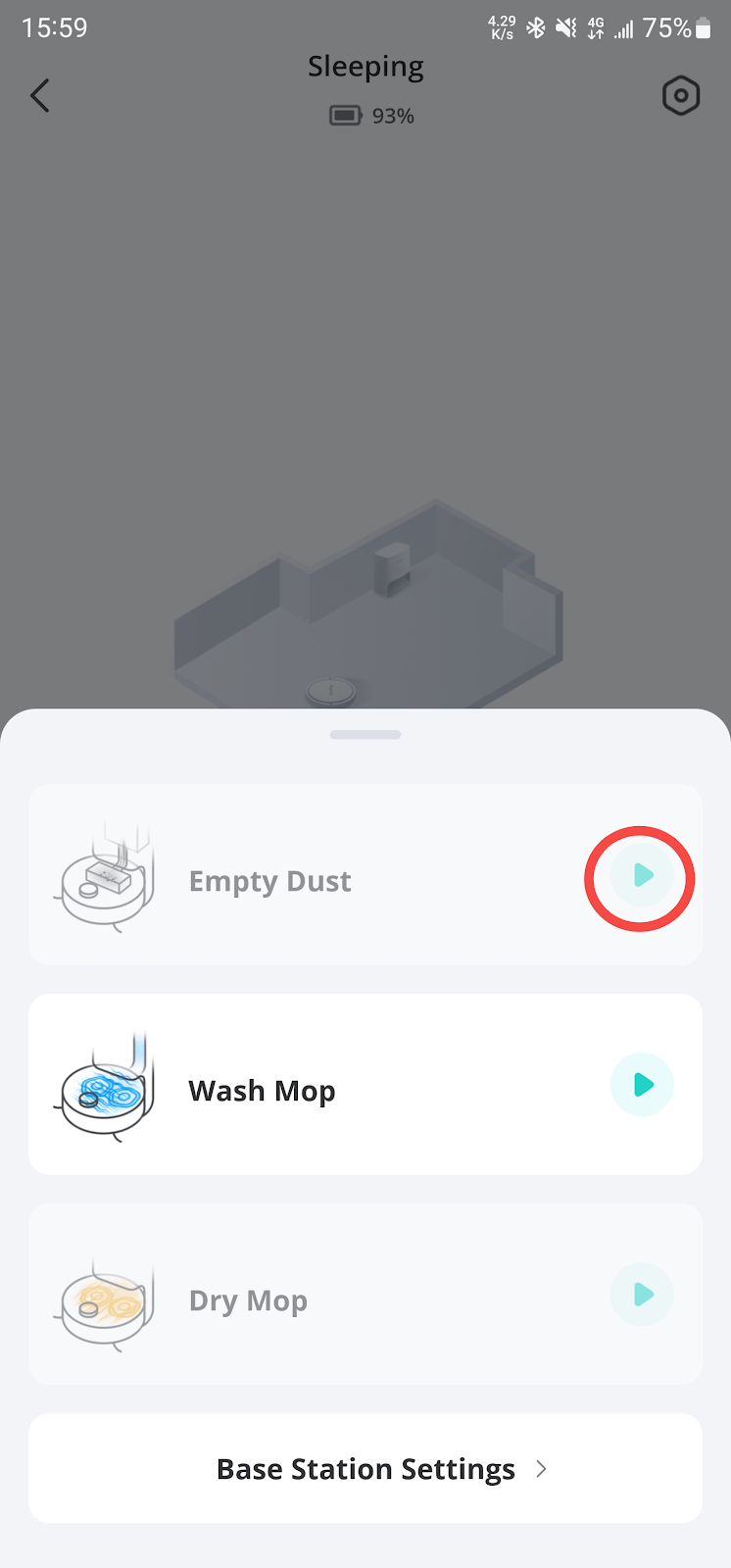
If your X10 Pro Omni is unable to start the dust collection process automatically, please refer to the following troubleshooting steps to ensure your robotic vacuum and its Omni Station are functioning properly to solve the issue.
Please visit the following link to watch a video that has detailed visual instructions:
eufy X10 Pro Omni How to Use the Self-Empty Station and Troubleshooting
-
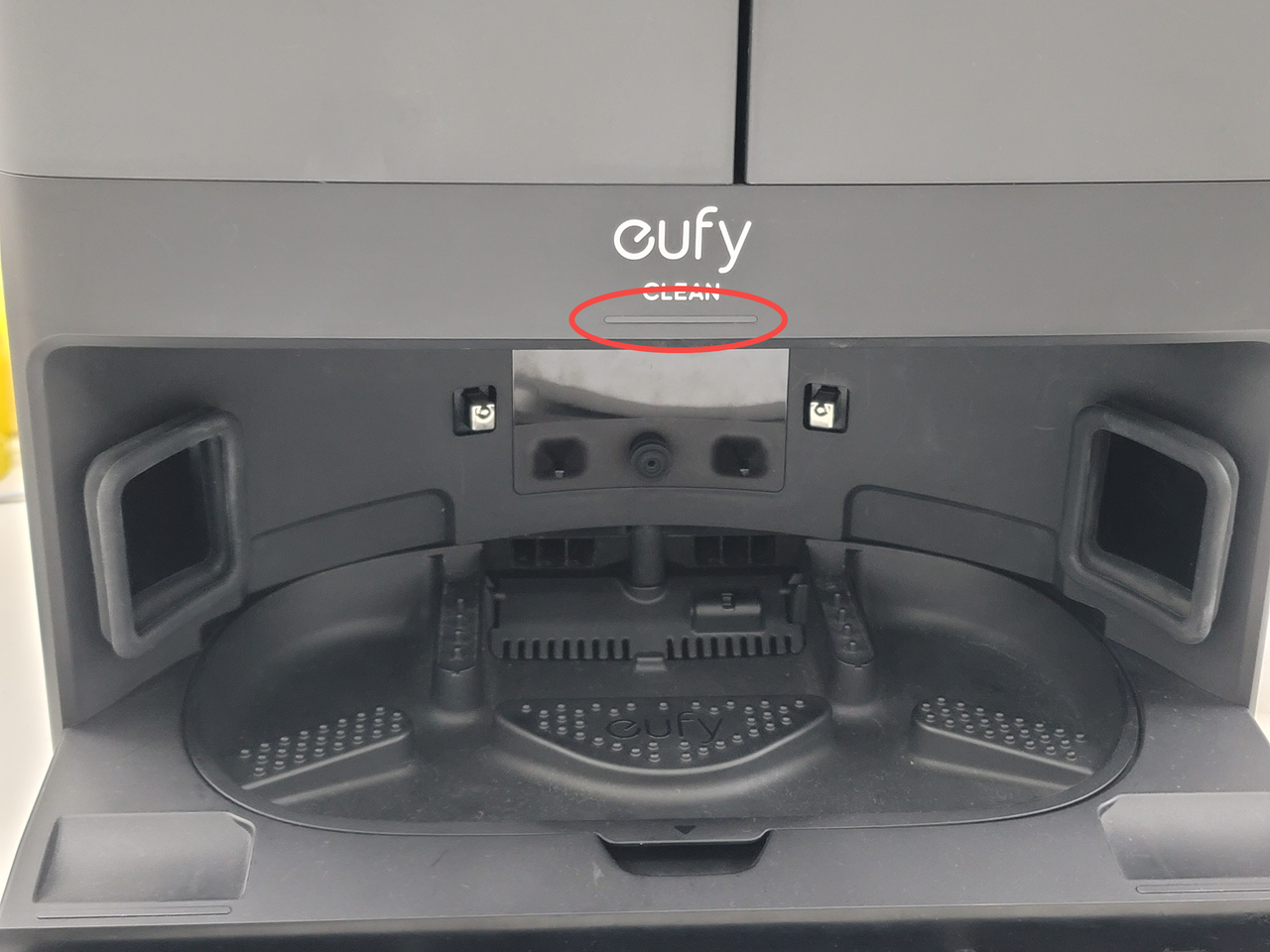
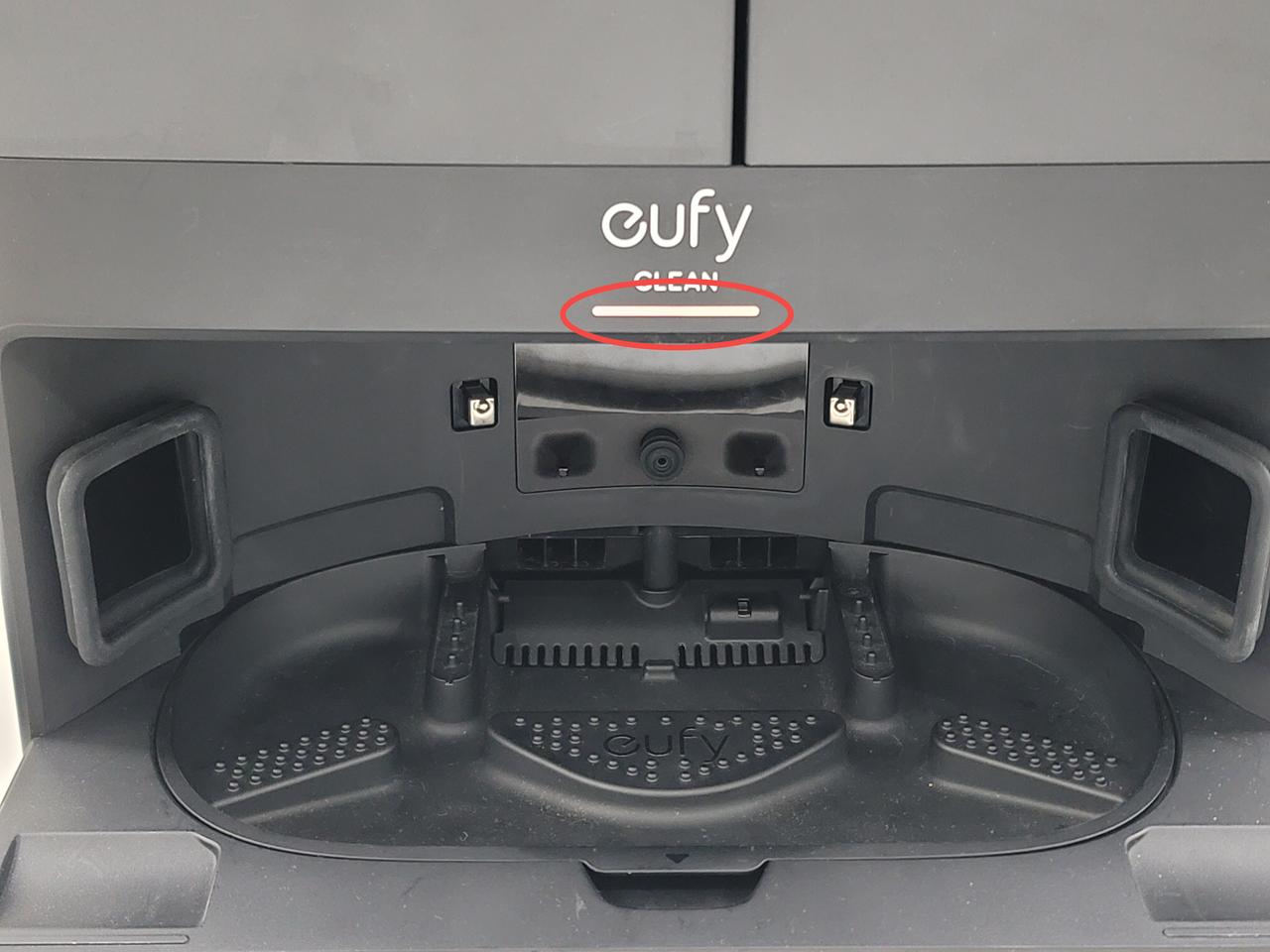
Check the Omni Station's indicator light and its power connection.
-
Ensure that the LED indicator on the Omni Station is steady white, indicating that it is receiving power.
-
Inspect the power cord for any looseness or disconnection. If necessary, unplug and then firmly reconnect the power cord to both the Omni Station and the power outlet.
-
Inspect the dust bag.
-
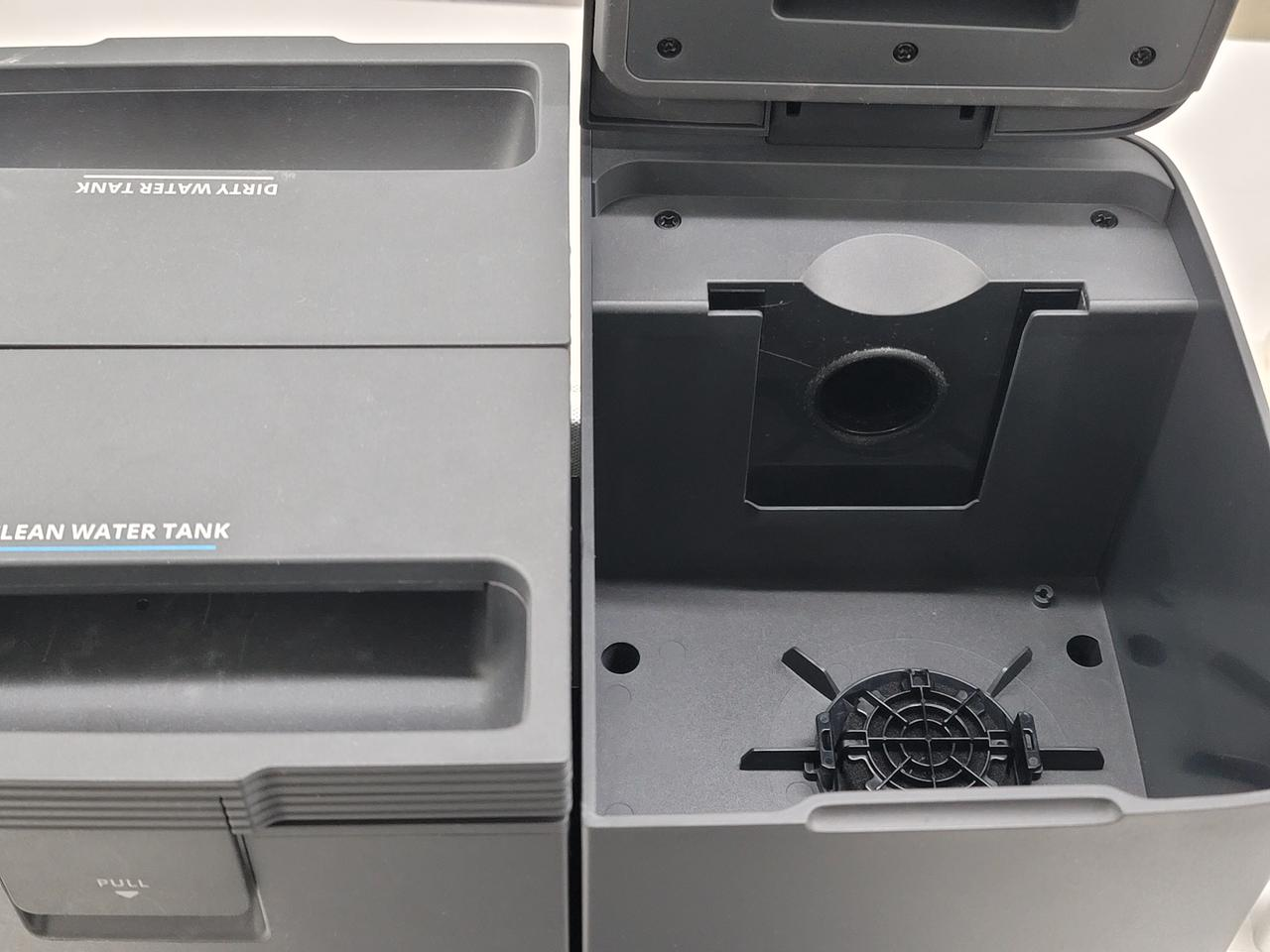
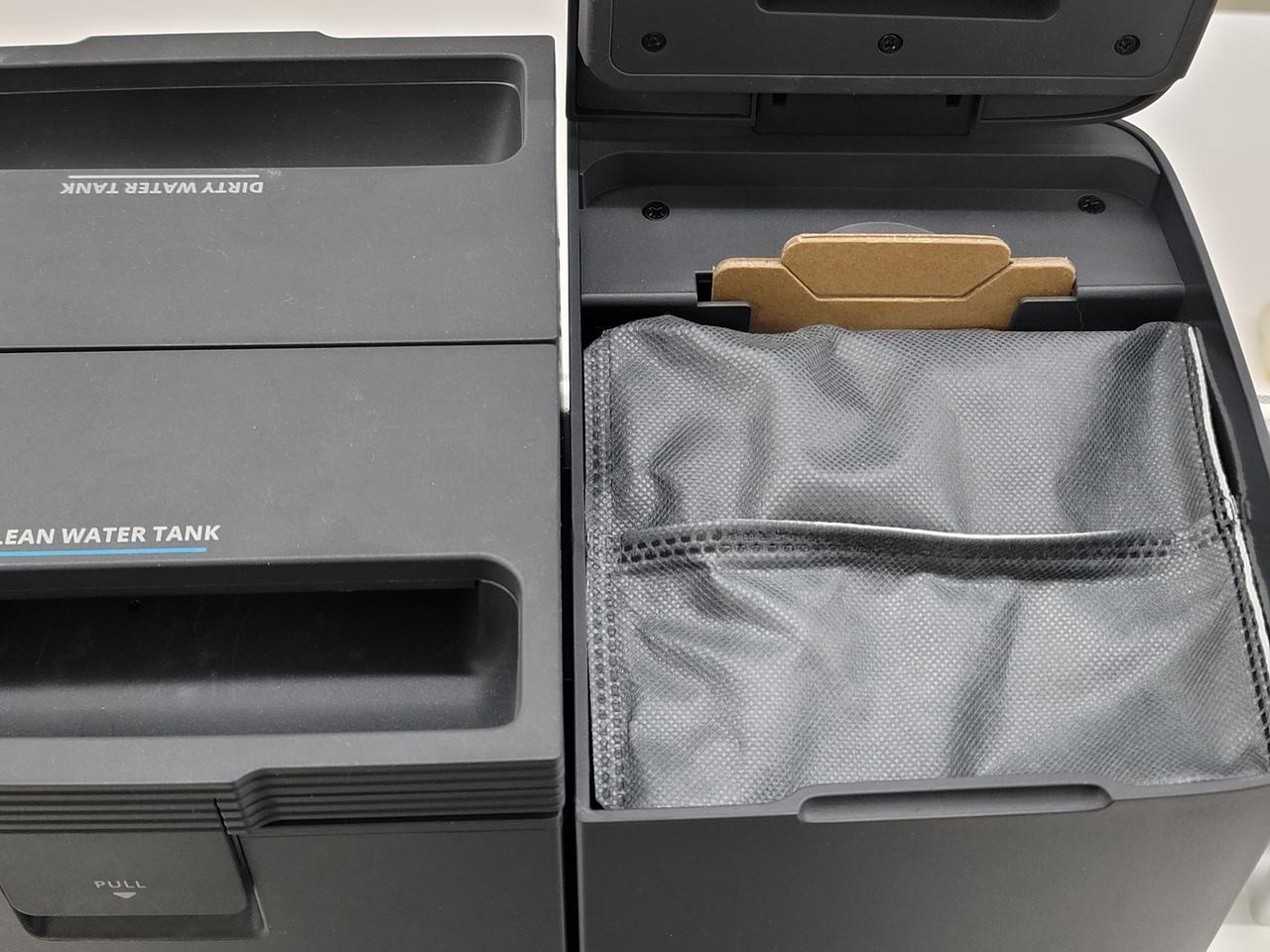
Verify that the dust bag is properly installed in the Omni Station. If it has been removed or is not seated correctly, simply reinstall the dust bag and make sure it is installed correctly. Please refer to the following images.
-
Check whether the dust bag is full.
-
If the dust bag is full, it will prevent dust collection from starting. Please remove the dust bag to check its capacity, and replace it with a new one if it's full.
-
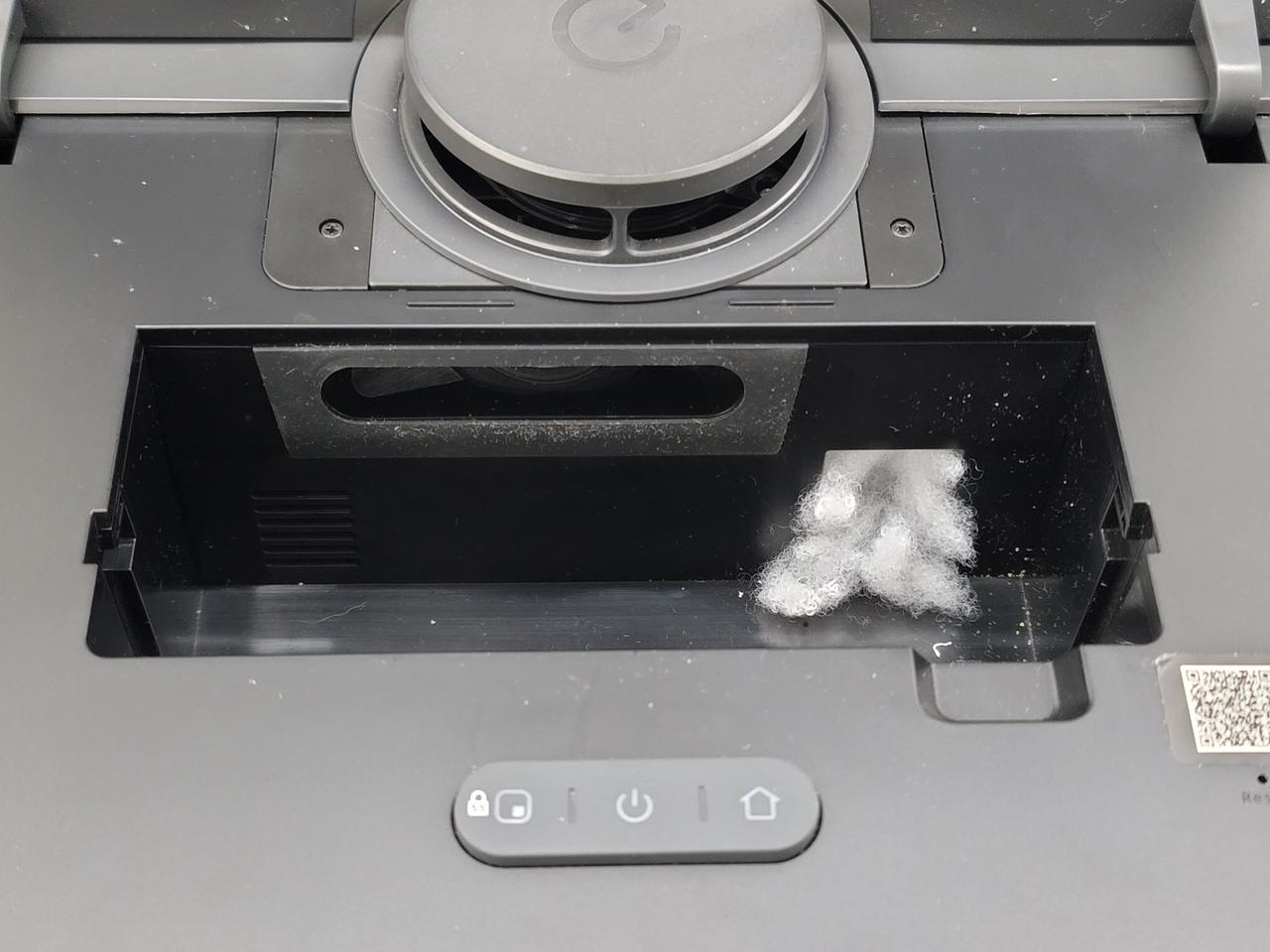
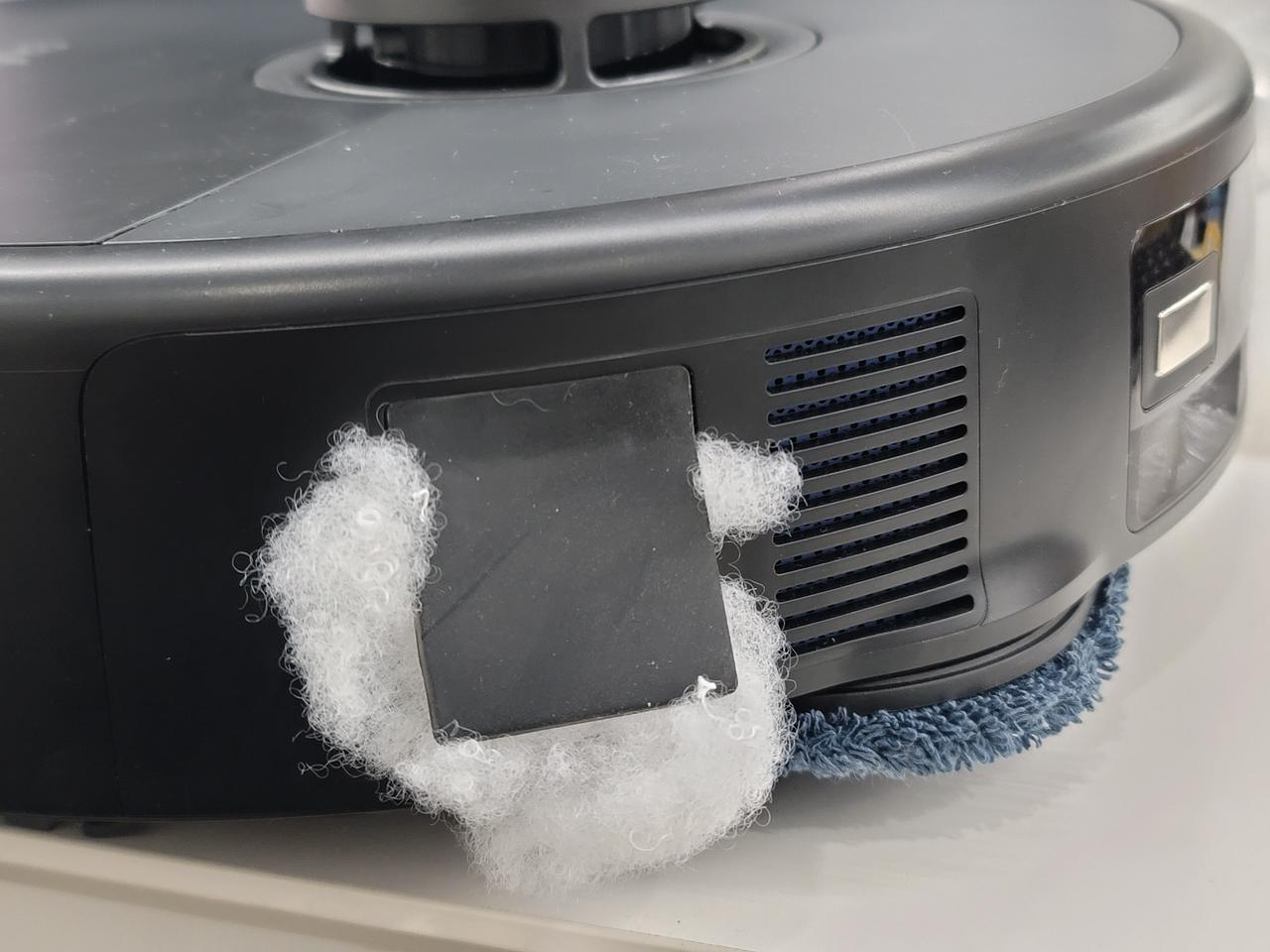
Examine the robot's dustbin and dust collection pathway.
-
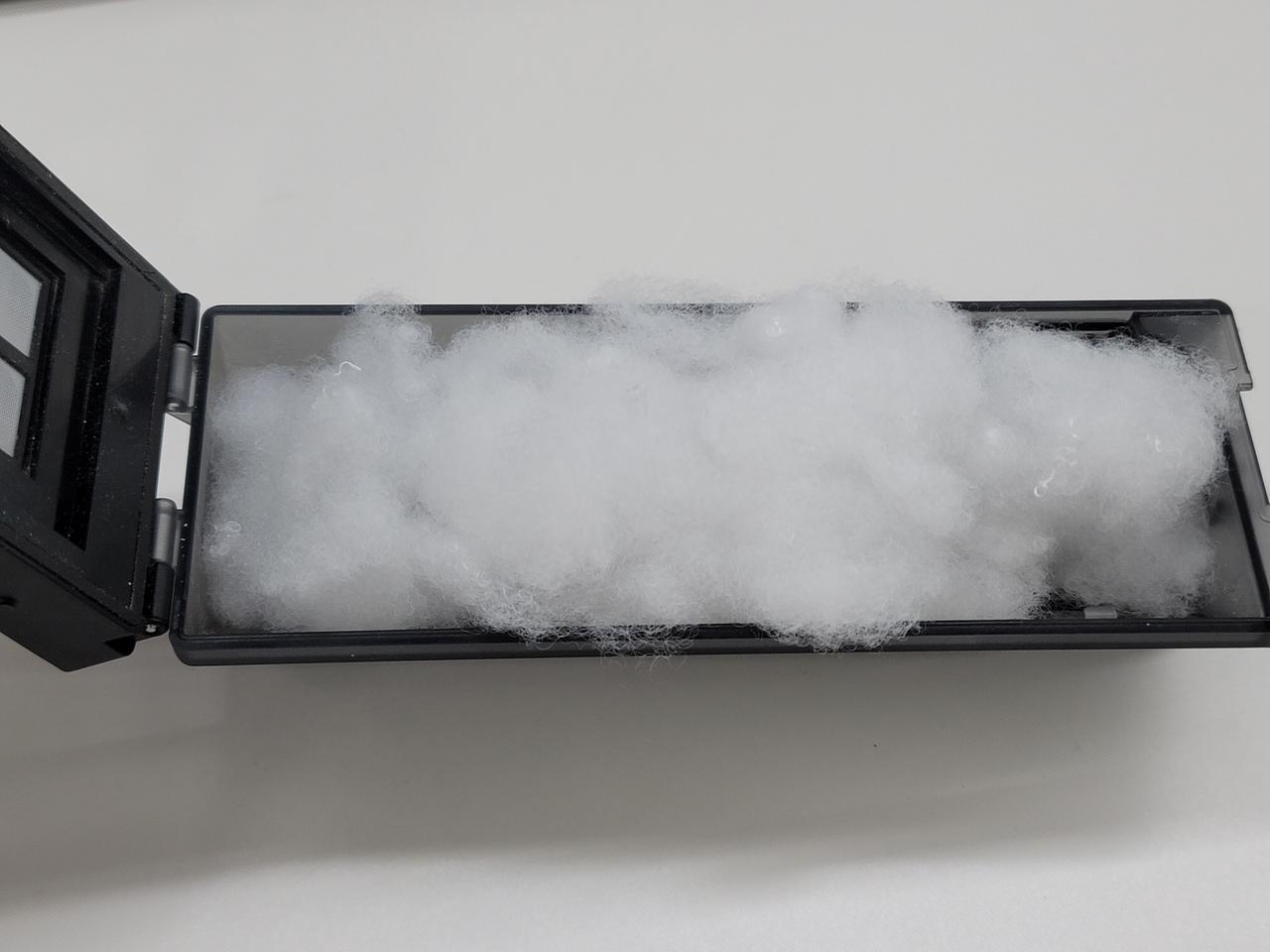
Open the robot's dustbin to check if there is any blockage. Also, check the dust collection pathway in the robot to make sure it is not clogged. If you find any debris or obstructions, carefully remove them to clear the dust collection pathway.
-
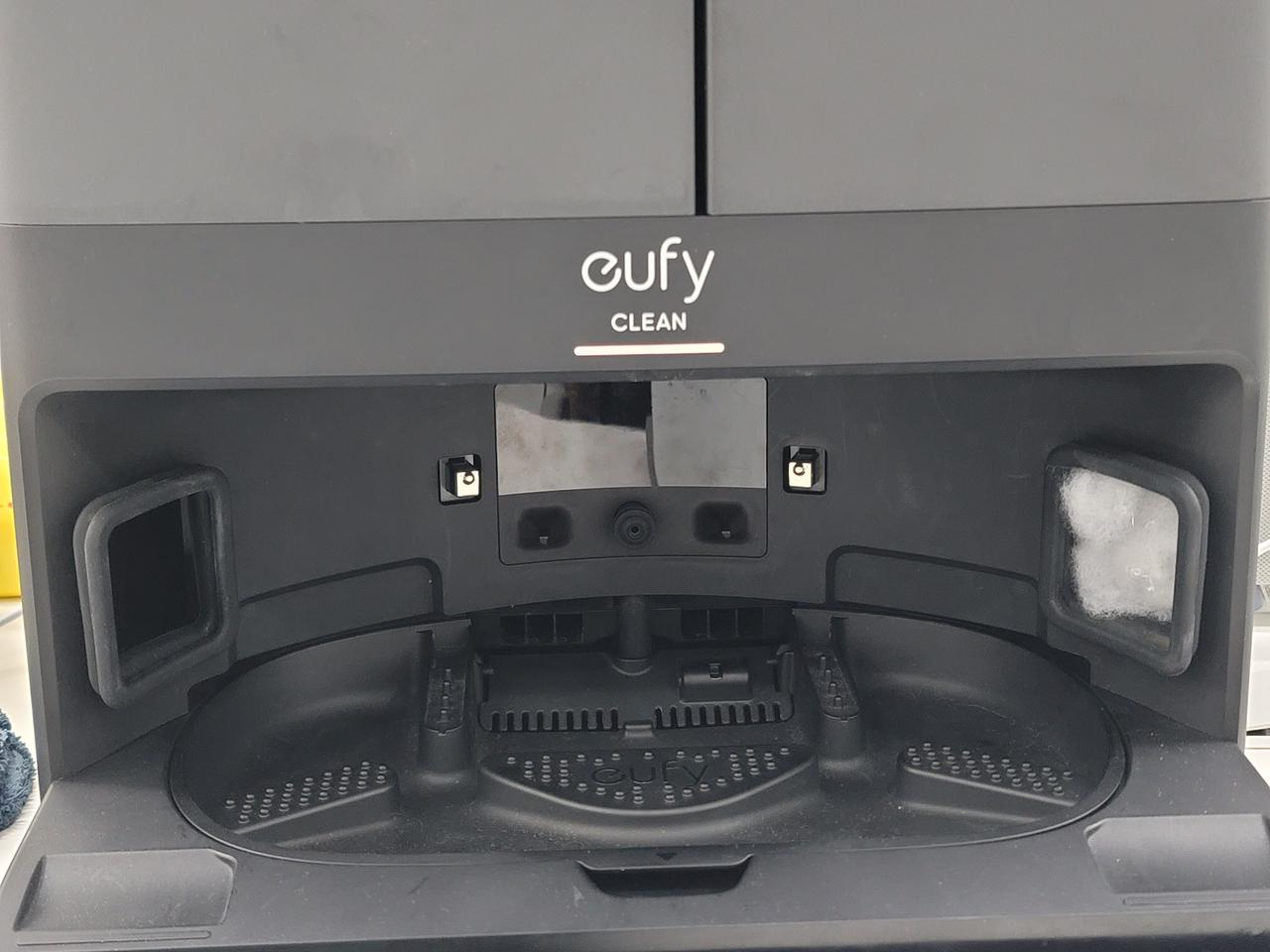
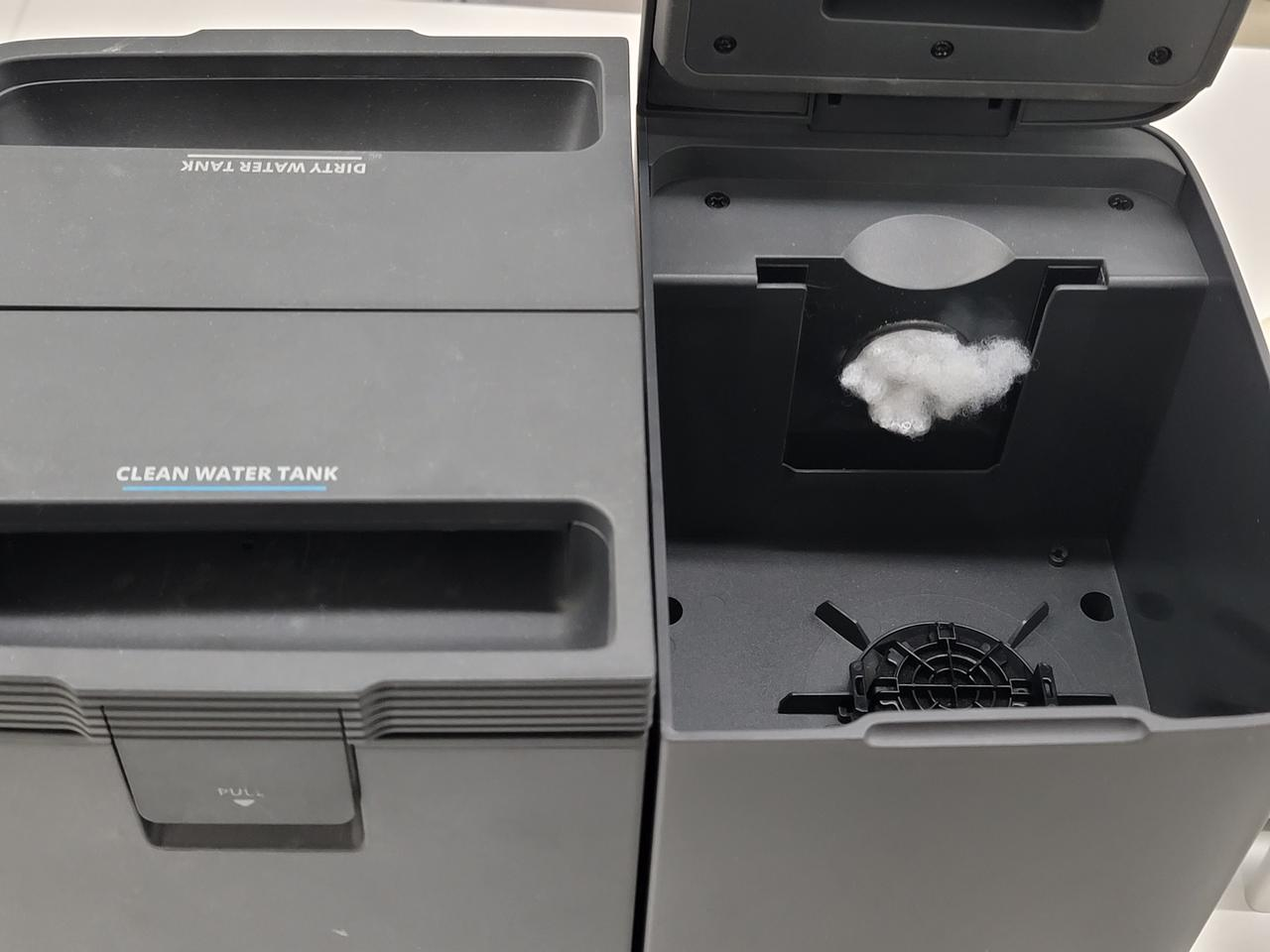
Clean the Omni Station's dust collection port and pathway to the dust bag.
-
Look for any foreign objects that might be clogging the dust collection port in the Omni Station or pathway to the dust bag. If you find any obstructions, carefully remove them to ensure a clear pathway for dust collection.
Note:
Initial blockage might occur due to clogged pet hair or first-time use (there may be excessive debris under furniture). Clear the robot's dust bin, rolling brush, or station's air ducts manually. Consistent use should lead to fewer blockages as your home gets cleaner.
It is highly recommended to set the self-emptying frequency to once every 15 minutes (Pet mode) and adjust the suction power to either Turbo or Max mode. By adjusting the self-emptying frequency and increasing the robot's suction power, it will help prevent potential blockages blockages caused by too much garbage in the dustbin due to extended cleaning times.
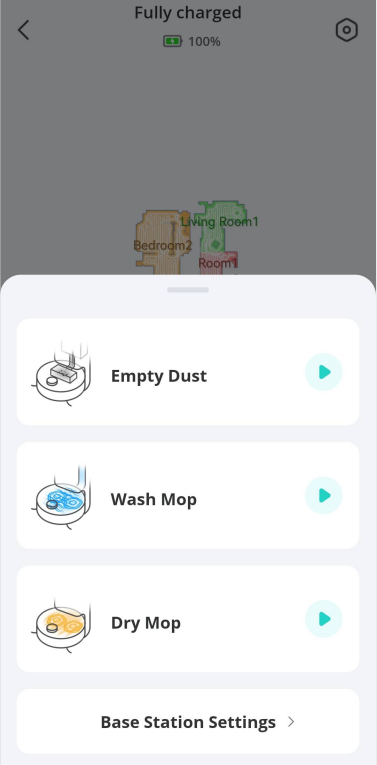
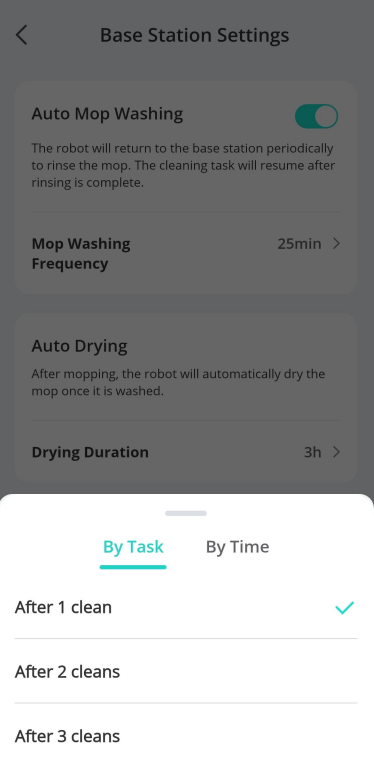
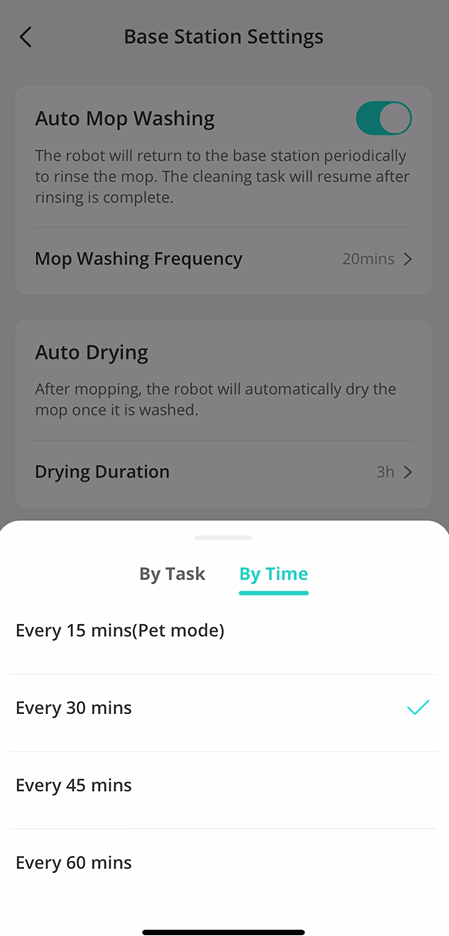
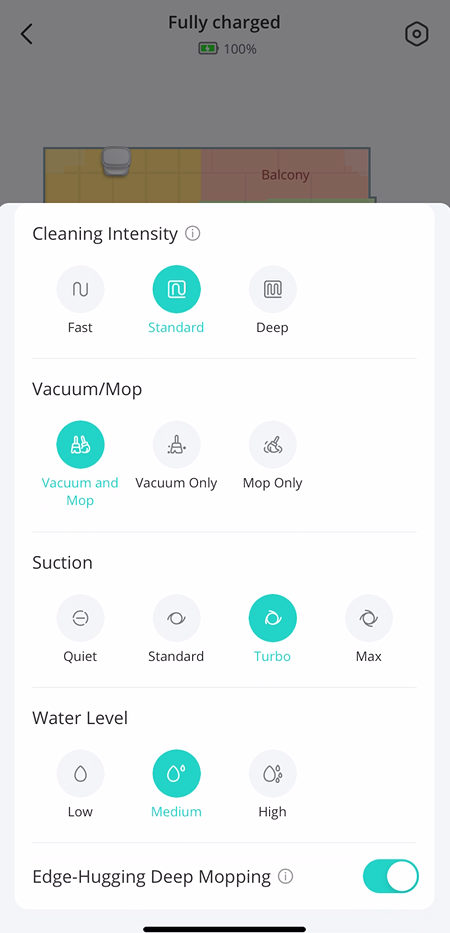
By following these steps, your X10 Pro Omni should no longer experience any issues with the dust collection process.
If you have any further questions or concerns, please don't hesitate to contact eufy support engineers for assistance.