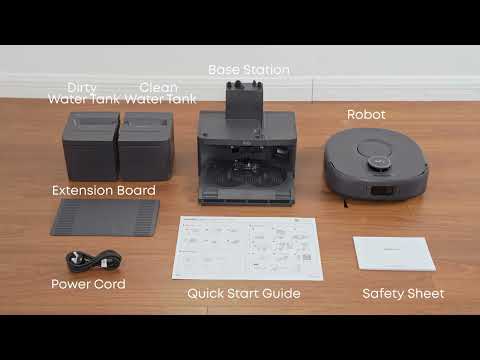
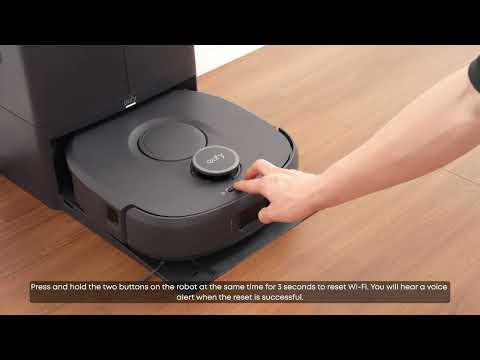
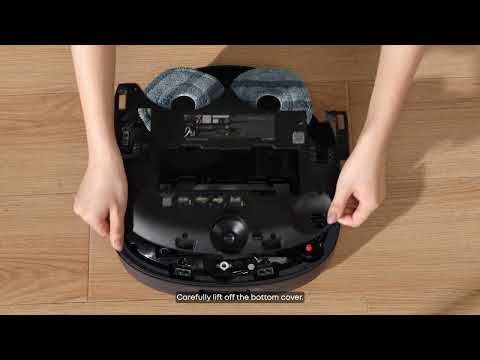
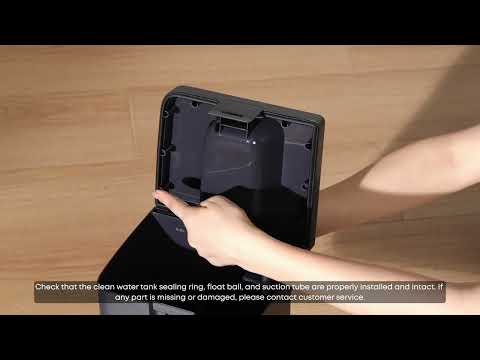
The Omni C30 Edge uses front and side line-laser obstacle avoidance systems to detect common objects such as shoes, toys, and trash bins. However, thin, elongated objects lying flat on the floor, such as cables, data cords, and shoelaces, may be difficult for the robot to detect because they provide very sparse point-cloud features.
The line-laser system may not reliably detect cables with a diameter of less than 3 mm. This is a common limitation of current obstacle detection technology.
Recommended Solutions
-
Remove Cables and Cords Before Cleaning
Before starting a cleaning cycle, take a few seconds to remove any cables, data cords, or shoelaces from the floor. This is the most effective way to prevent the Omni C30 Edge from becoming entangled in these objects.
-
Set a No-Go Zone for Areas with Permanent Cables in the Anker eufy app
If an area contains cables that cannot be easily removed, set a no-go zone around the area in the Anker eufy app. Using the Virtual Wall feature is recommended to prevent the Omni C30 Edge from entering the area.
-
Use Cable Management Boxes or Cable Ties for Permanent Cables
For cables that remain in place permanently, use cable management boxes or cable ties to organize and secure them. This helps keep cables off the floor and reduces the risk of the Omni C30 Edge becoming entangled in them.
If you have any other questions about the Omni C30 Edge, please don't hesitate to contact eufy Support Center for further assistance.