What should I do if the remote control of my RoboVac doesn't work?
- Replace the batteries in the remote control.
- Make sure RoboVac is fully charged.
- Make sure the main power switch on the bottom of RoboVac is in the "I" position.

If the above steps don’t help, please contact us for further assistance.


20 undefined
What if my RoboVac stops in the middle of cleaning with Three Beep Error?


What if my RoboVac stops in the middle of cleaning with Four Beep Error?
How to order a remote control for my RoboVac?
Can RoboVac work with my carpets/floor? (for Bounce Series)
What to do if my RoboVac does not Run with Schedule on Remote Control
What if my RoboVac has a clicking noise in the side brush?
What to do if the RoboVac top glass is cracked?
How to order a bumper for my RoboVac?
What should I do if RoboVac's movements or travel path are abnormal?
What to do if my RoboVac of Bounce Series spins in circles

RoboVac 11S Plus_US_Manual
RoboVac 35C/25C_Manual_EN
RoboVac 11S_JP_ Manual
RoboVac 25C Max_EN+ES+TR_Manual
RoboVac 15C Max_JP_Manual
RoboVac 11S Plus_US_Quick Start Guide
View More


RoboVac 30C Quick Start Video (other WiFi RoboVacs of Bounce series are similar)

How to Replace Bumper of RoboVacs

Troubleshooting if RoboVac Cannot Power On

RoboVac Battery Replacement and Installation Video (for 11S series)
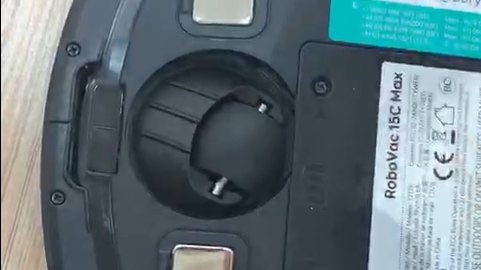
How to Replace the Swivel Wheel for the Max and G series RoboVacs
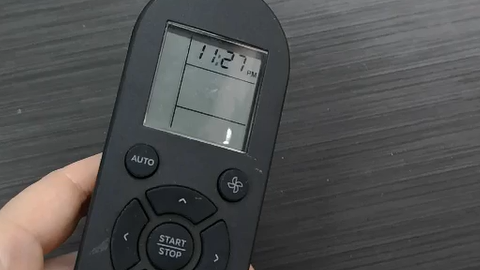
How to change AM to PM when setting a schedule for RoboVac
View More


