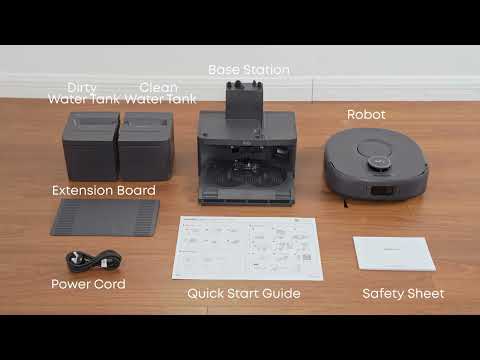
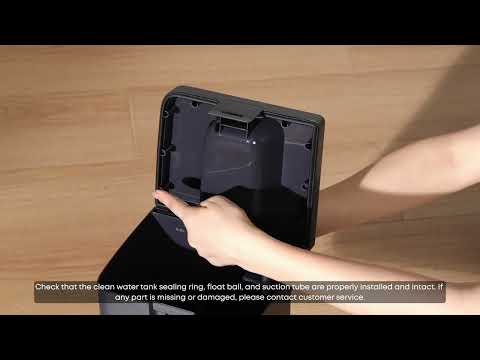
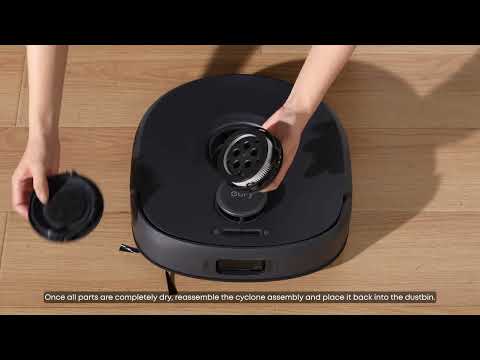
The Omni C30 Edge can cross carpet edges with a combined thickness and pile height of less than 26 mm. If this height is exceeded, or if the carpet edge is inclined or particularly soft, the drive wheels may not gain sufficient traction.
The Omni C30 Edge has a maximum obstacle-crossing height of approximately 2 cm, depending on the floor material. Thick carpet edges that exceed this height may therefore be treated as obstacles. Moreover, tassels and fringe decorations can also become wrapped around rotating components, such as the roller brush and side brush, which may trigger the robot's protective shutdown.
Recommended Solutions
-
Set No-Go Zones for Thick Carpet Areas in the Anker eufy app
In the Anker eufy app, set thick carpet areas as no-go zones or create virtual walls around them to prevent the Omni C30 Edge from entering these areas.
-
Tuck Tassels Under the Carpet Before Cleaning
For carpets with tassels or fringe decorations, fold the tassels underneath the carpet or secure them with heavy objects before starting a cleaning cycle. This helps prevent the tassels from becoming caught in the robot's rotating components.
-
Enable Carpet Boost Mode in the Anker eufy app
If your home has multiple carpeted areas, enable Carpet Boost mode in the Anker eufy app. When the Omni C30 Edge detects a carpet, it automatically increases suction power. However, Carpet Boost mode does not enable the robot to cross carpets that are too thick to pass over.
If you have any other questions about the Omni C30 Edge, please don't hesitate to contact eufy Support Center for further assistance.