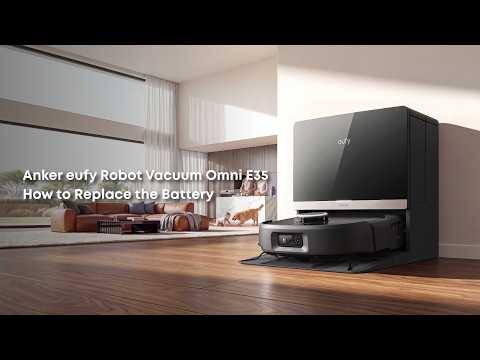
Poor cleaning performance does not necessarily indicate a hardware problem. In most cases, debris left behind is caused by maintenance issues or cleaning settings.
Common causes include a full dust bin, a tangled roller brush or side brush, a clogged filter, or a suction mode that is set too low.
Troubleshooting Steps
Video: https://d3pkbgk01oouhl.cloudfront.net/upload_file/prod/E35-02_20260820_15151595.mp4
Step 1: Empty the Dust Bin
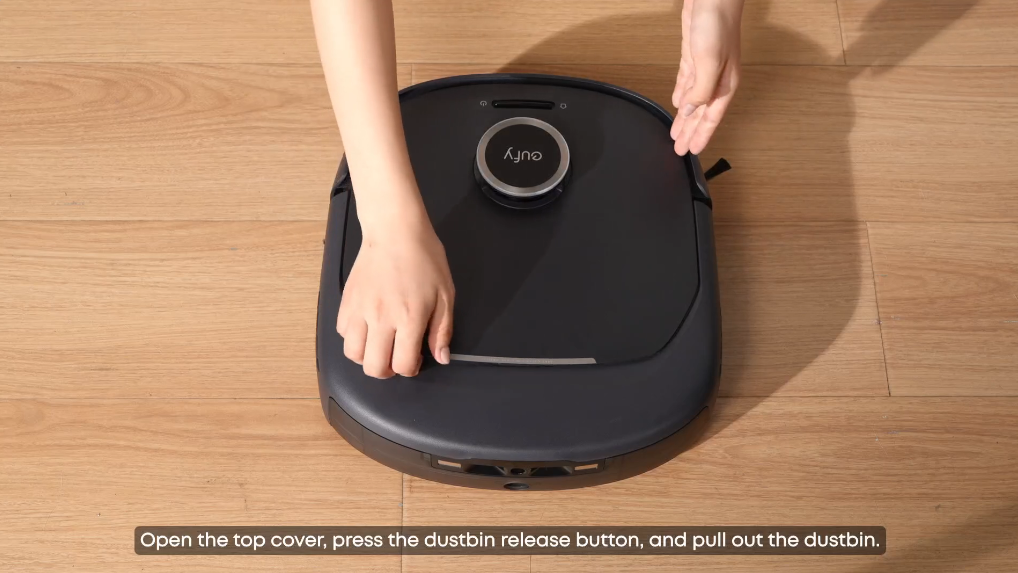
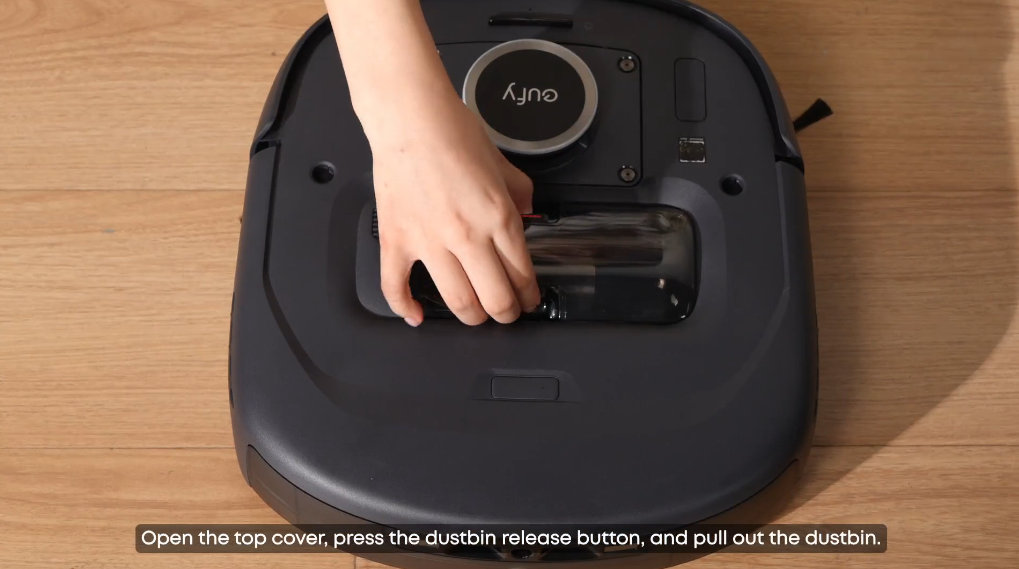
Check whether the dust bin is full. Even if the bin appears to be only partially full, fine dust can clog the filter and significantly reduce suction. For best cleaning performance, we recommend emptying the dust bin before each cleaning cycle.
Step 2: Clean the Roller Brush and Side Brush
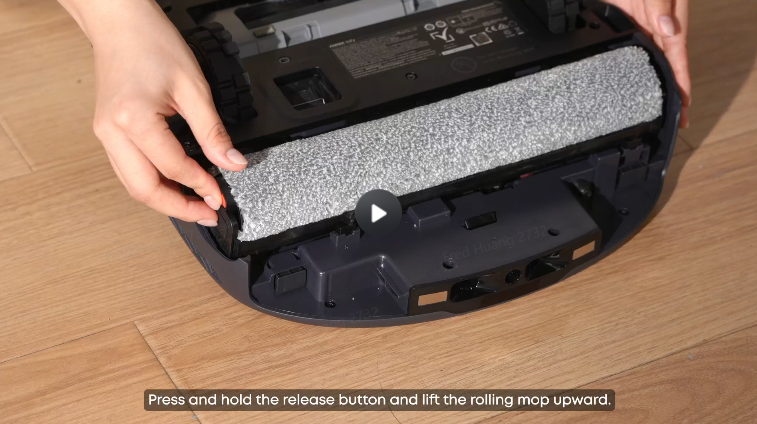
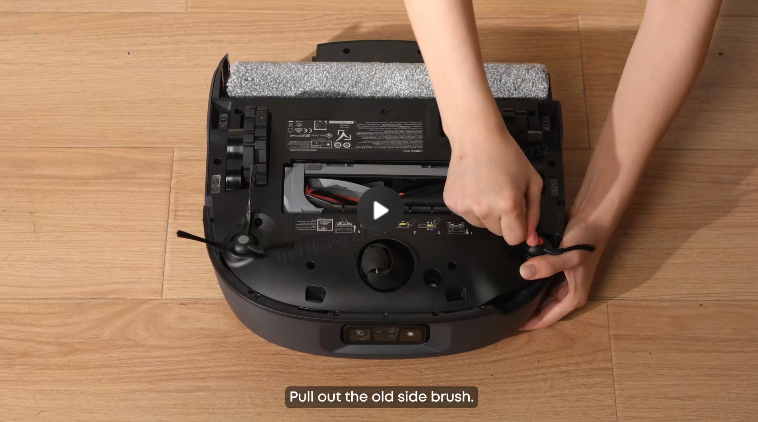
Remove the roller brush and clear away any tangled hair, threads, or other debris. Then remove the side brush and check for wrapped debris. Tangled hair and threads can prevent the brush bristles from making proper contact with the floor, significantly reducing debris pickup.
Step 3: Check or Replace the Filter
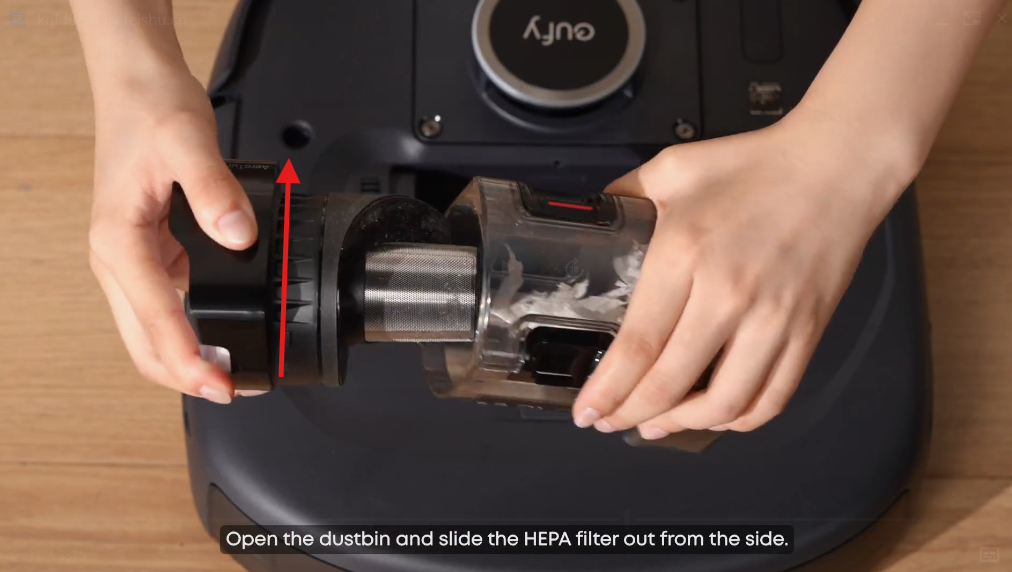
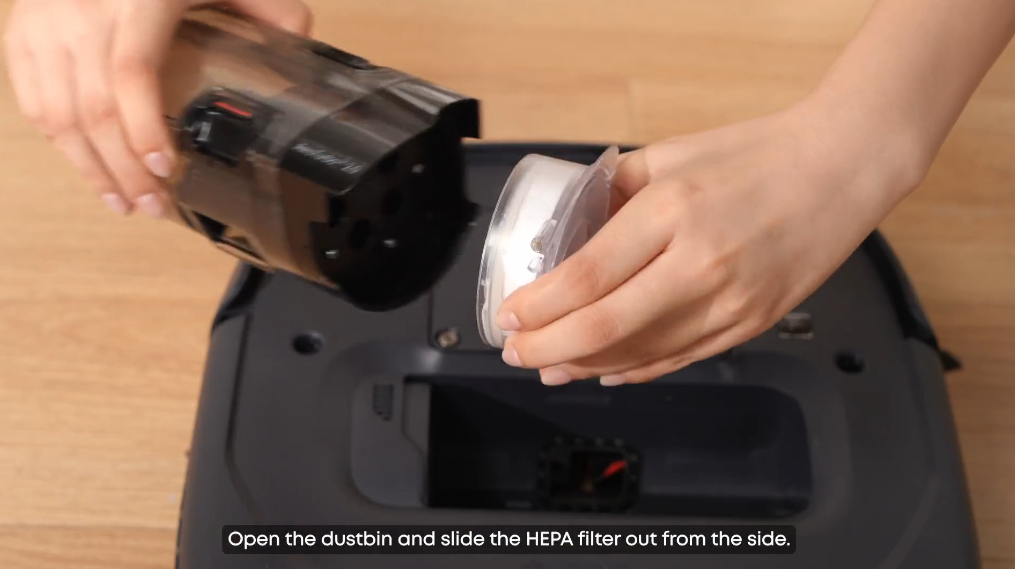
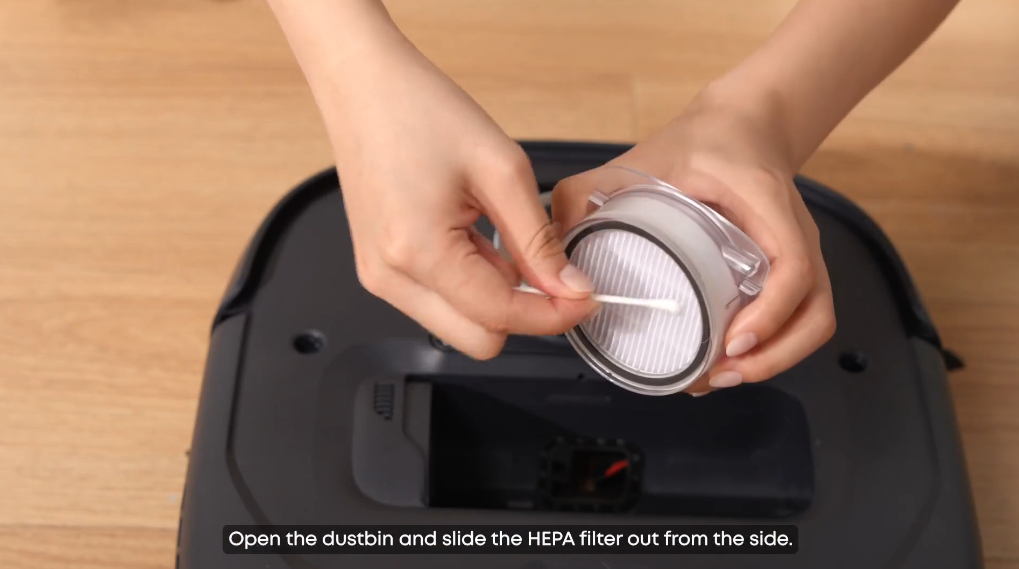
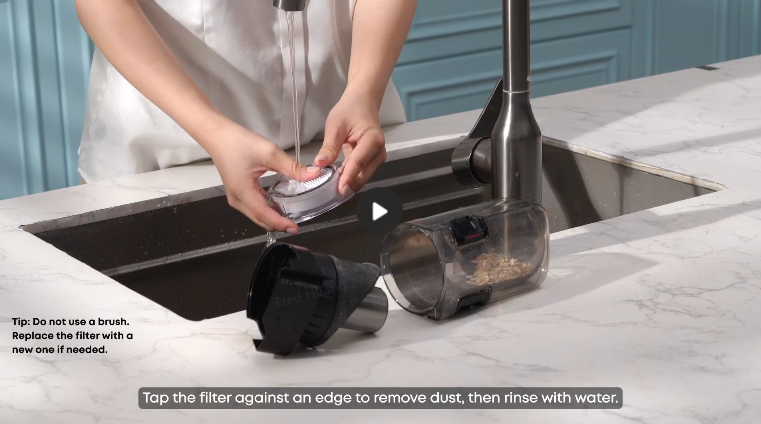
A clogged filter is one of the most common causes of reduced suction. Remove the filter and tap out accumulated dust. If you can barely see light through the filter, it may need to be replaced. The filter should generally be replaced every 3-6 months, depending on usage and the amount of dust collected.
Step 4: Check the Suction Mode
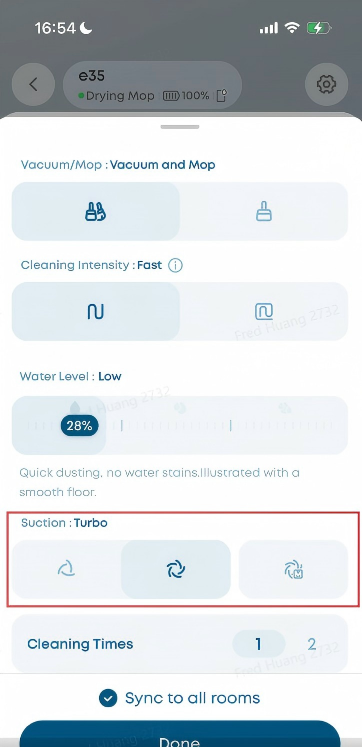
Check the suction setting in the eufy app. Quiet mode is suitable for daily maintenance and routine cleaning, while Turbo or Max mode provides stronger suction for deep cleaning and carpeted areas.
Step 5: Use the Zone Clean Feature for Stubborn Areas
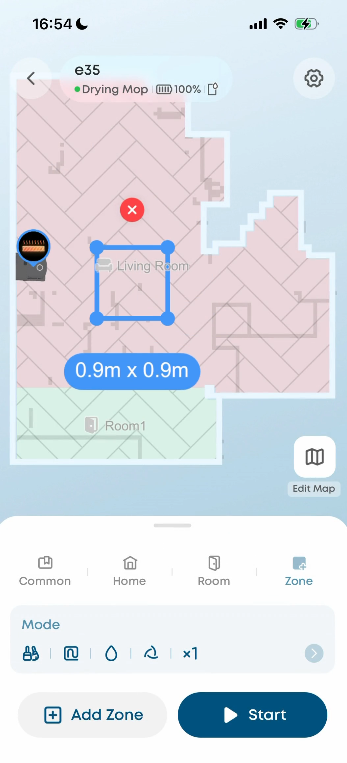
For areas with concentrated or stubborn debris, use the eufy app's Zone Clean feature to have the Omni E35 clean the area repeatedly. Running Zone Clean two or three times can help remove debris that requires additional cleaning.
Related Questions
Q1: How often should I clean the roller brush of the Omni E35?
If you have pets or long-haired family members, clean the roller brush once a week. For households without pets or long-haired family members, cleaning the roller brush every 2-4 weeks is generally sufficient.
Q2: Why won't the Omni E35 pick up hair from my carpet?
Carpet fibers can hold onto hair more firmly, requiring stronger suction for effective pickup. Enable the Carpet Boost feature in the eufy app by going to Edit Map → Deep Carpet Cleaning → Choose the Carpet you want to clean → Save, or manually set the suction mode to Turbo when cleaning carpeted areas.
Video: https://d3pkbgk01oouhl.cloudfront.net/upload_file/prod/DeepCarpetCleaning_20260820_15144885.mp4
If you have any other questions about the Omni E35, please don't hesitate to contact eufy Support Center for further assistance.