How do I upload logs for my eufy S2 Pro (T210T)?

App logs and robot logs are uploaded over the network in real time, so the log switch needs to be turned on in advance for the logs to be uploaded. Please follow the steps below.

  1. When an issue occurs, turn on the log switch first, then try to reproduce the issue. If it occurs again, please provide the time when the issue occurred, along with videos or photos, so that our technical team can analyze the problem.
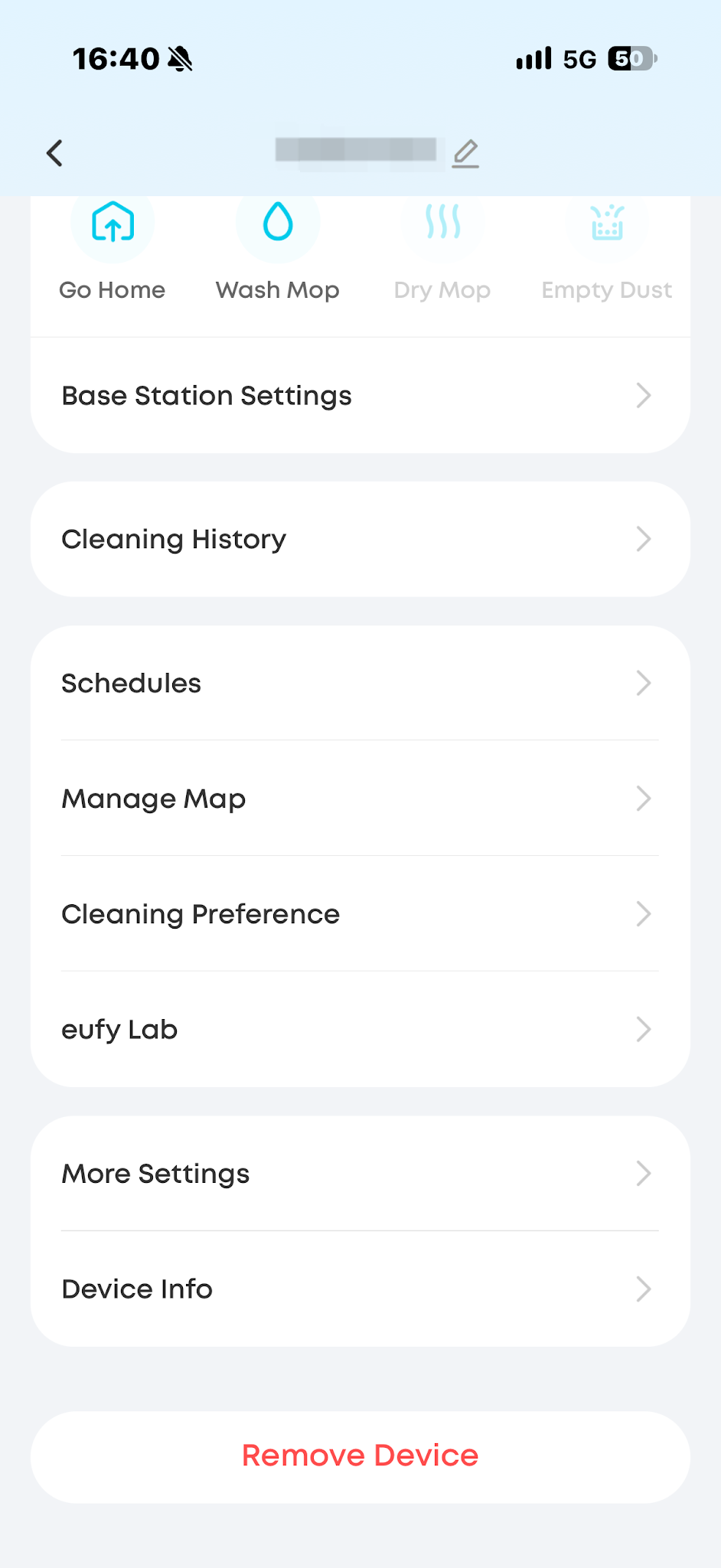
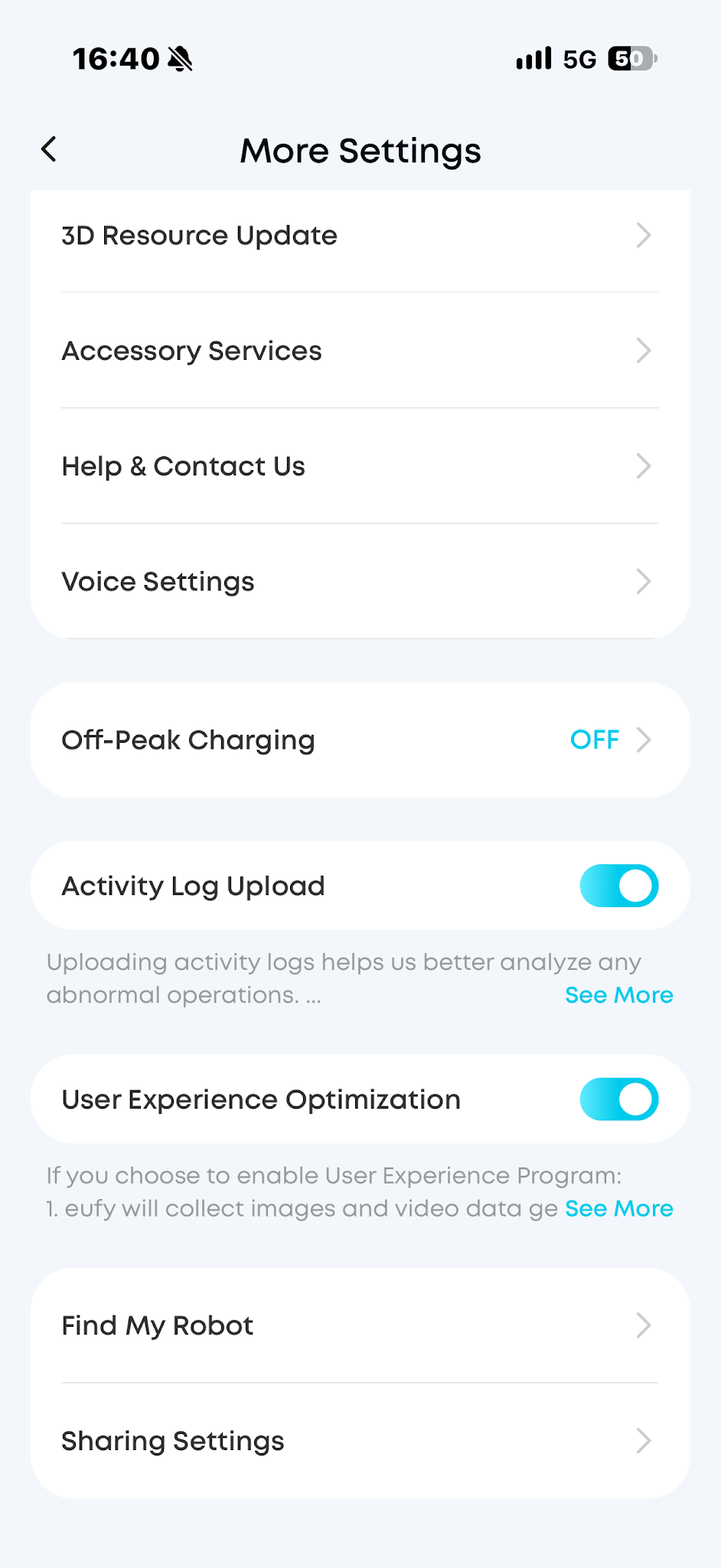
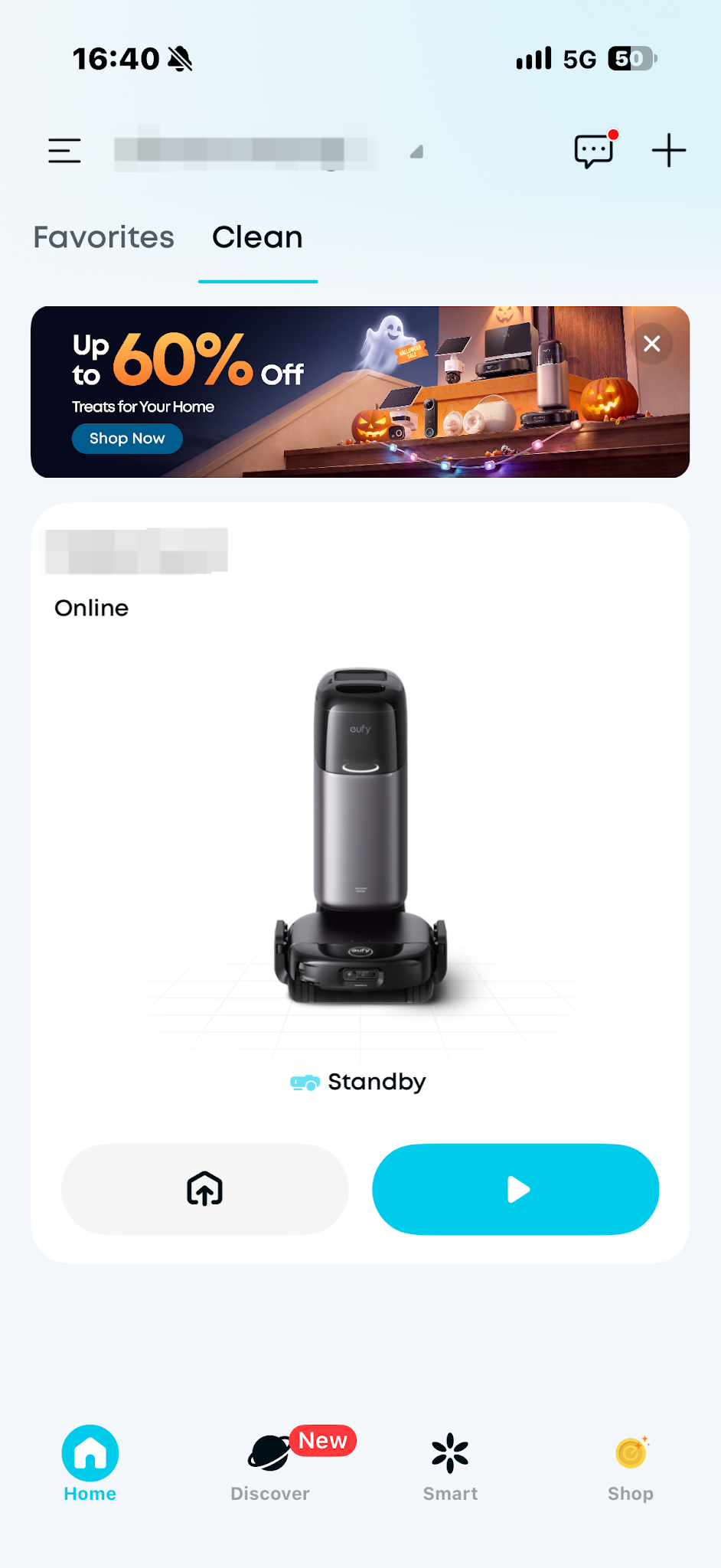
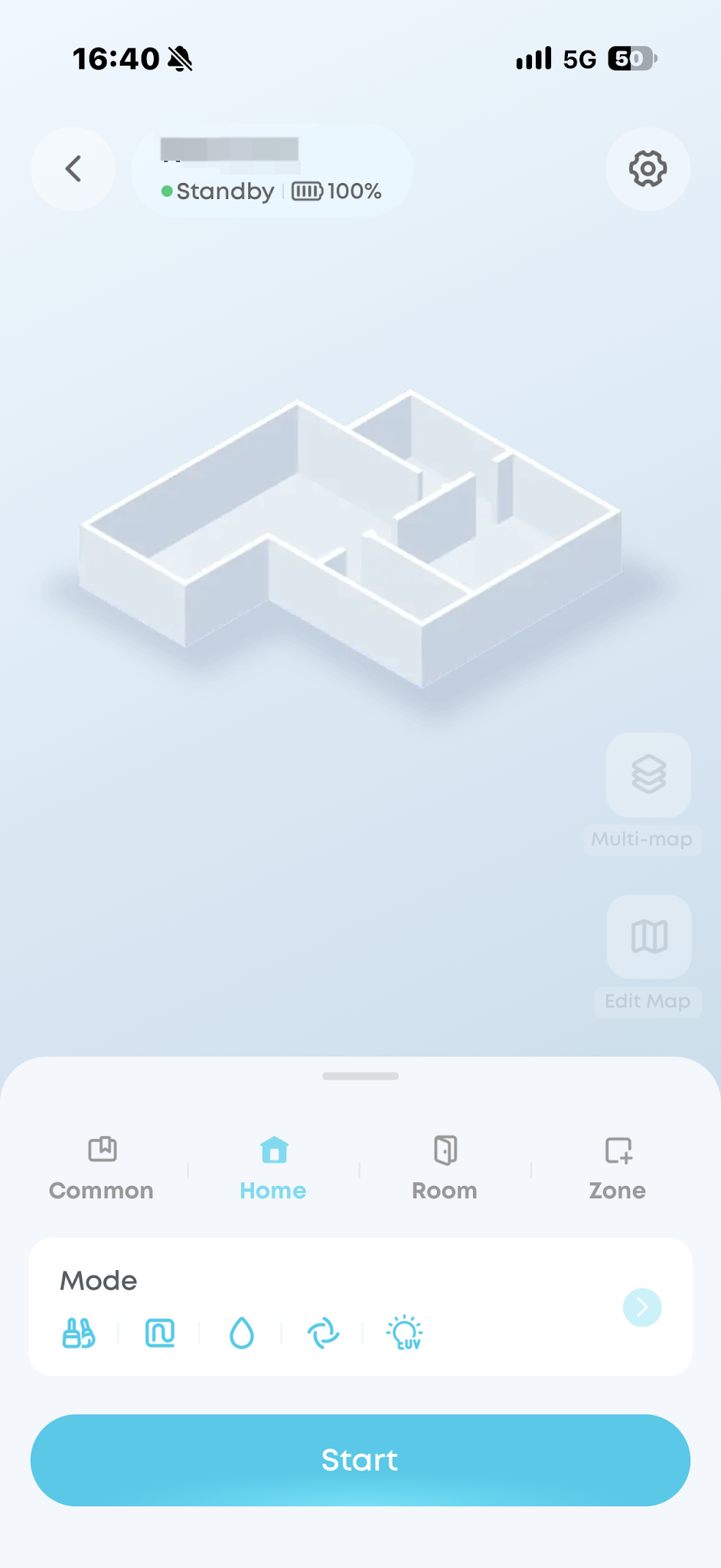
  2. Robot log switch: Go to the map page of the Anker eufy app, tap the icon in the upper-right corner, select More Settings, and then turn on Activity Log Upload.

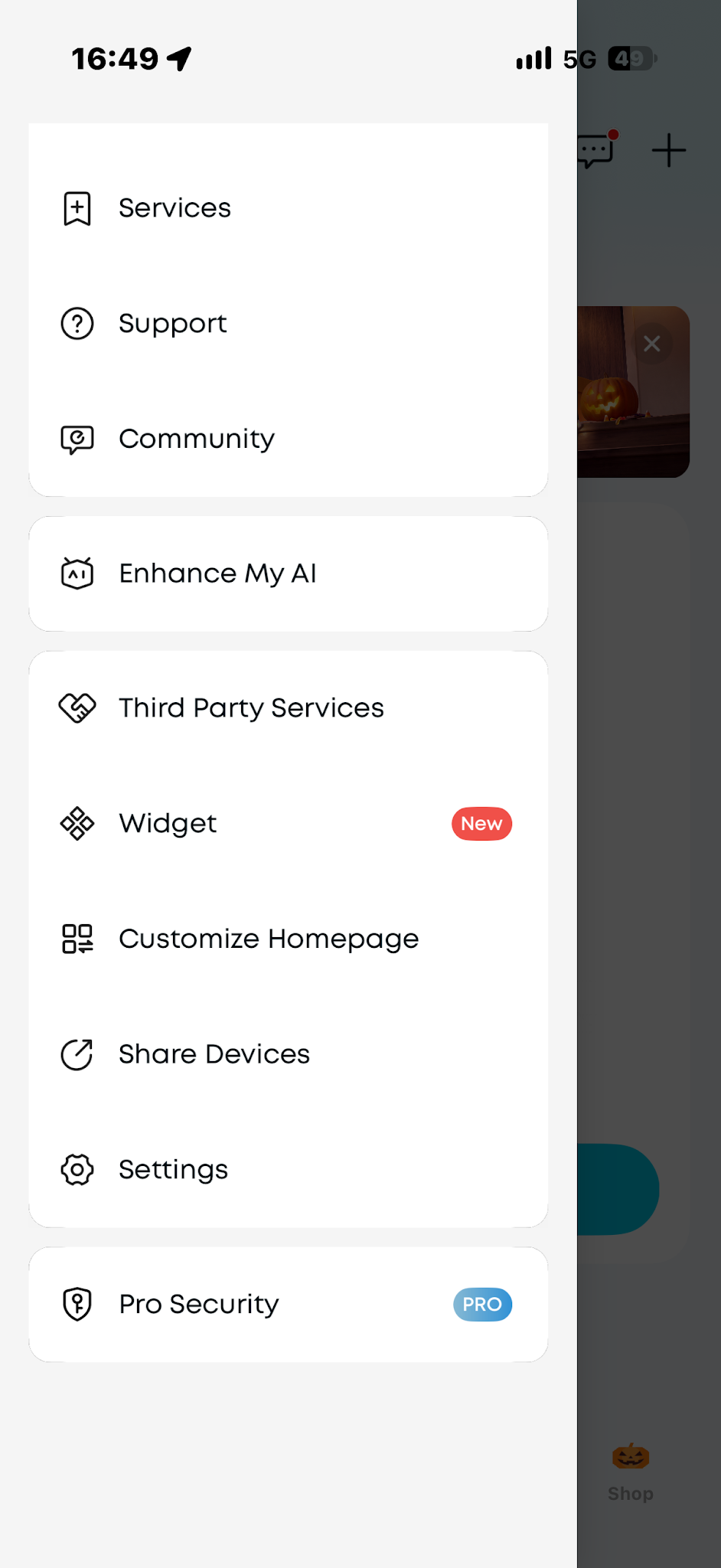
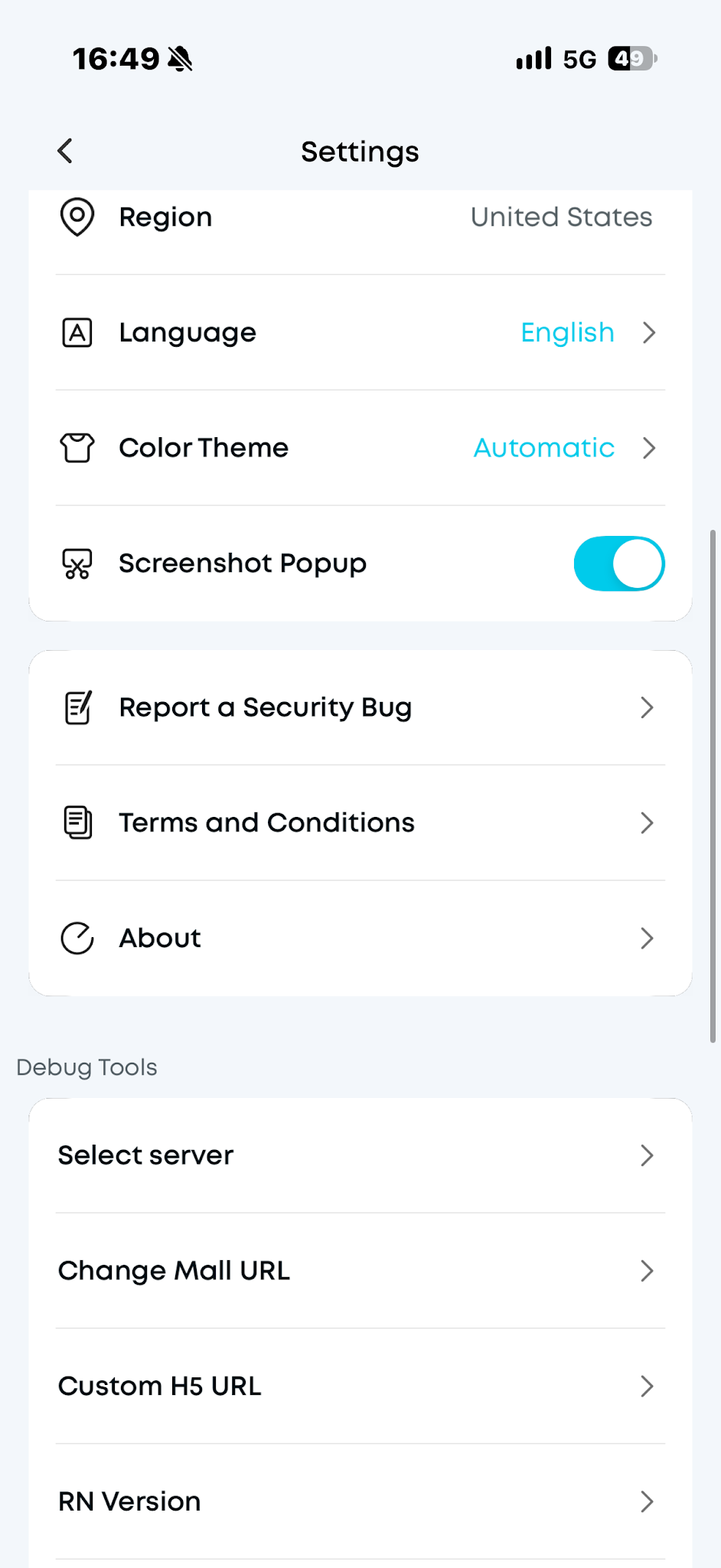
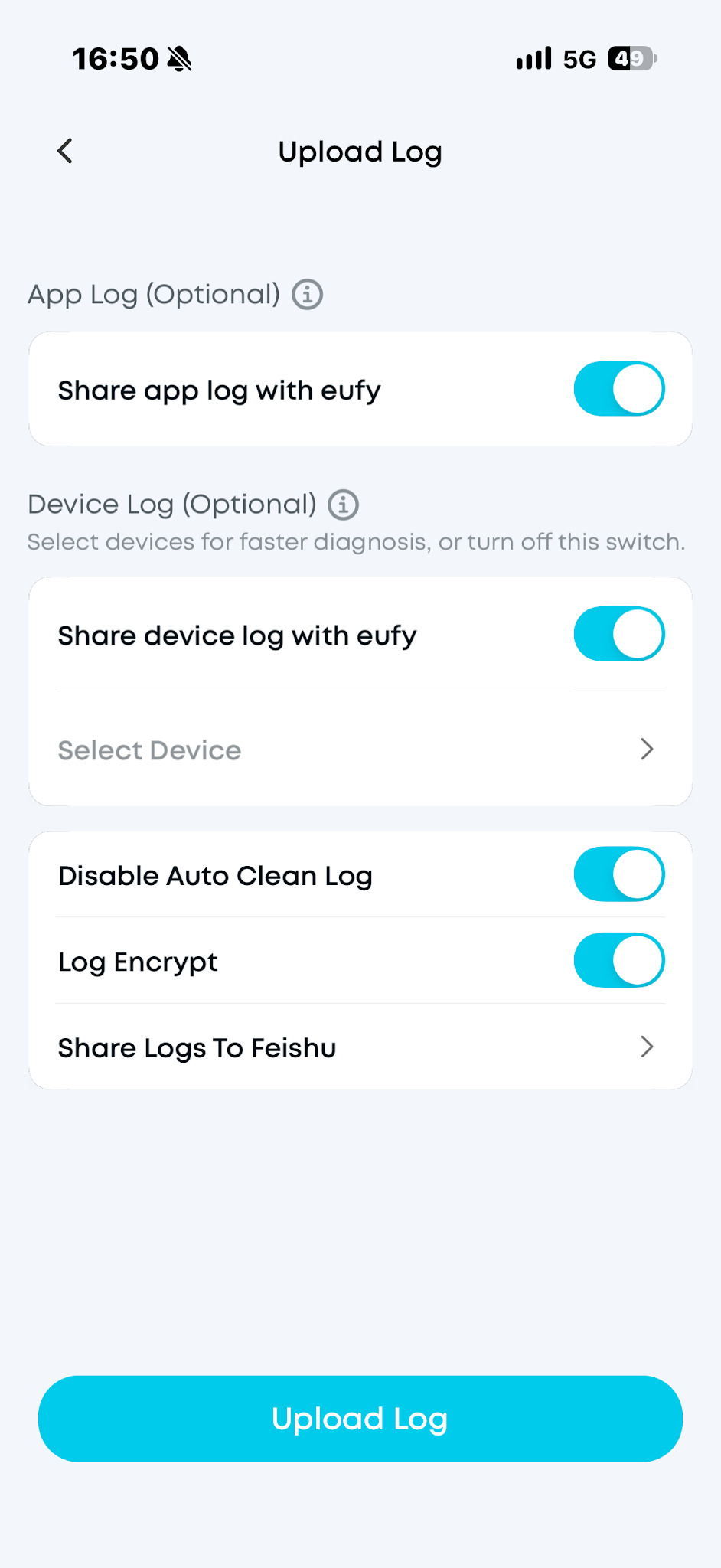
3. App log: On the main interface of the Anker eufy app, tap the top left corner, then select Settings > About > Upload Log.


If you have any other questions about the S2 Pro, please don't hesitate to contact eufy Support Center for further assistance.
 

Unresolved icon
20 undefined
Download icon
Anker eufy Robot Vacuum Omni S2 Pro User Guide (T210T)
Download icon
Anker eufy Robot Vacuum Omni S2 Pro Руководство пользователя (T210T)
Download icon
Anker eufy Robot Vacuum Omni S2 Pro Guida per L'utente (T210T)
Download icon
Anker eufy Robot Vacuum Omni S2 Pro Käyttöopas (T210T)
Download icon
Anker eufy Robot Vacuum Omni S2 Pro Kullanım Kılavuzu (T210T)
Download icon
Anker eufy Robot Vacuum Omni S2 Pro Guía del Usuario (T210T)
View More
Play video
Anker eufy Robot Vacuum Omni S2 Pro Unboxing and Quick Start Guide
Play video
Anker eufy Robot Vacuum Omni S2 Pro Accessory Cleaning and Maintenance
Play video
Anker eufy Robot Vacuum Omni S2 Pro How to Replace the Battery
Play video
Anker eufy Robot Vacuum Omni S2 Pro Troubleshooting a Clogged or Leaking Dirty Water Reservoir Filter
Play video
Anker eufy Robot Vacuum Omni S2 Pro Troubleshooting Vacuuming Issues
Play video
Anker eufy Robot Vacuum Omni S2 Pro Troubleshooting Recharging and Dust Collection Issues
View More
Contact Us
Buy on the eufy Store
Download the App
affirmamazonPayamexapplePaydinnersClubdiscovergooglePaymastercardpaypalshopPayvenmovisa