Please check the following based on what you are experiencing after mopping.
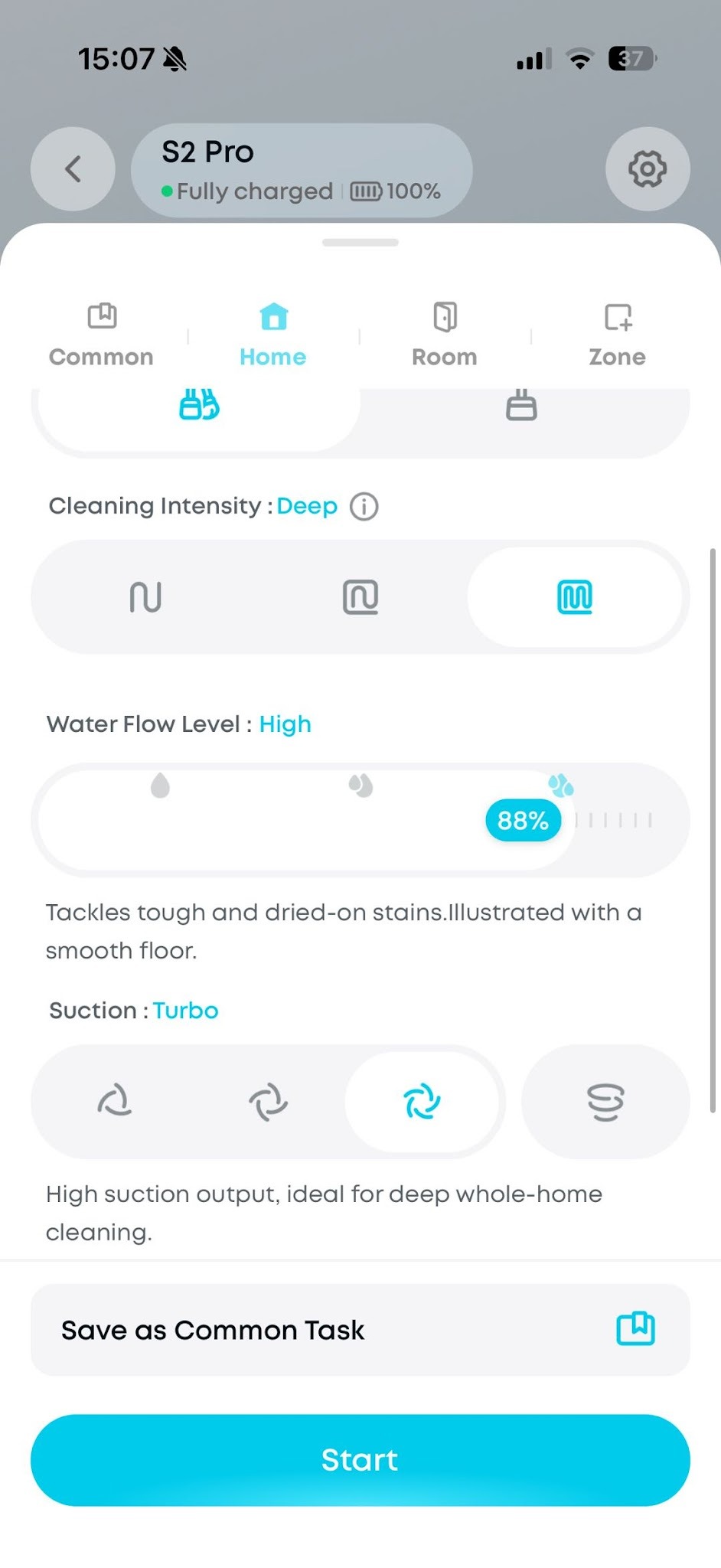
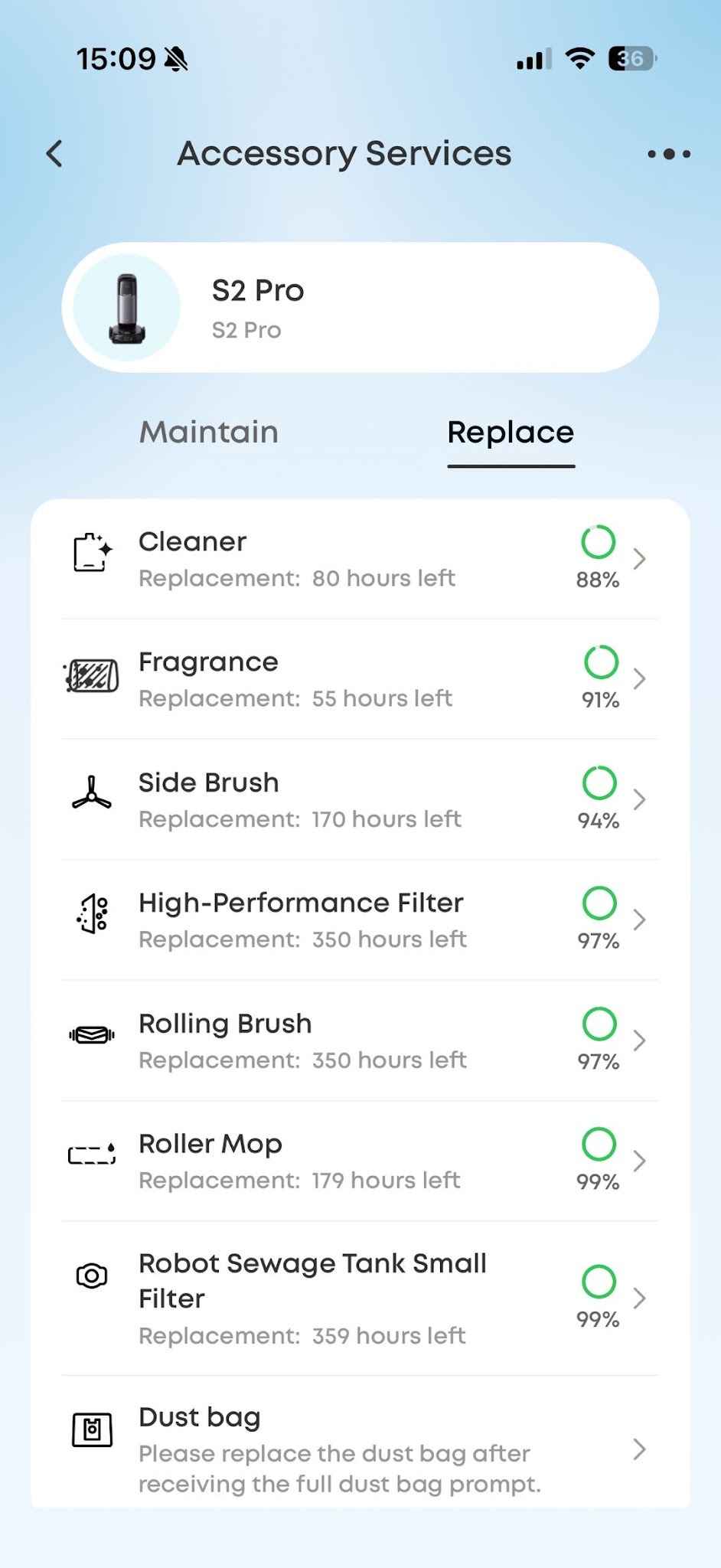
- Adjust the cleaning intensity and water flow level in the Anker eufy app. We recommend setting the water flow to a high level, which can improve the mopping results and reduce streaks to a certain extent. Also keep an eye on the remaining lifespan of the roller mop. If it has been used up, replace it promptly.
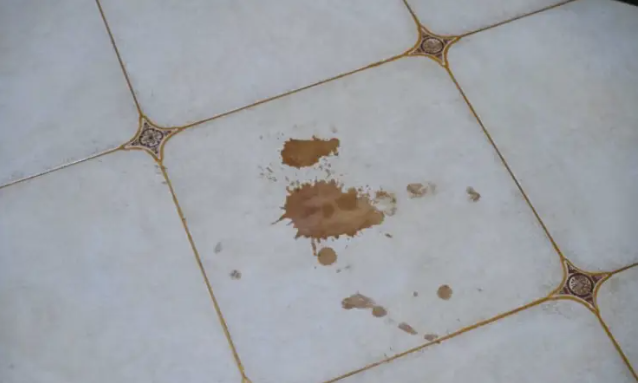
2. For extremely stubborn stains, such as dried oil stains, glue residue, or paint, we recommend trying the Kitchen Stain Cleaning mode in the Anker eufy app, due to the physical properties of these stains. If some stubborn stains still remain, they may require targeted manual cleaning. Robot vacuums are better suited for routine maintenance cleaning.
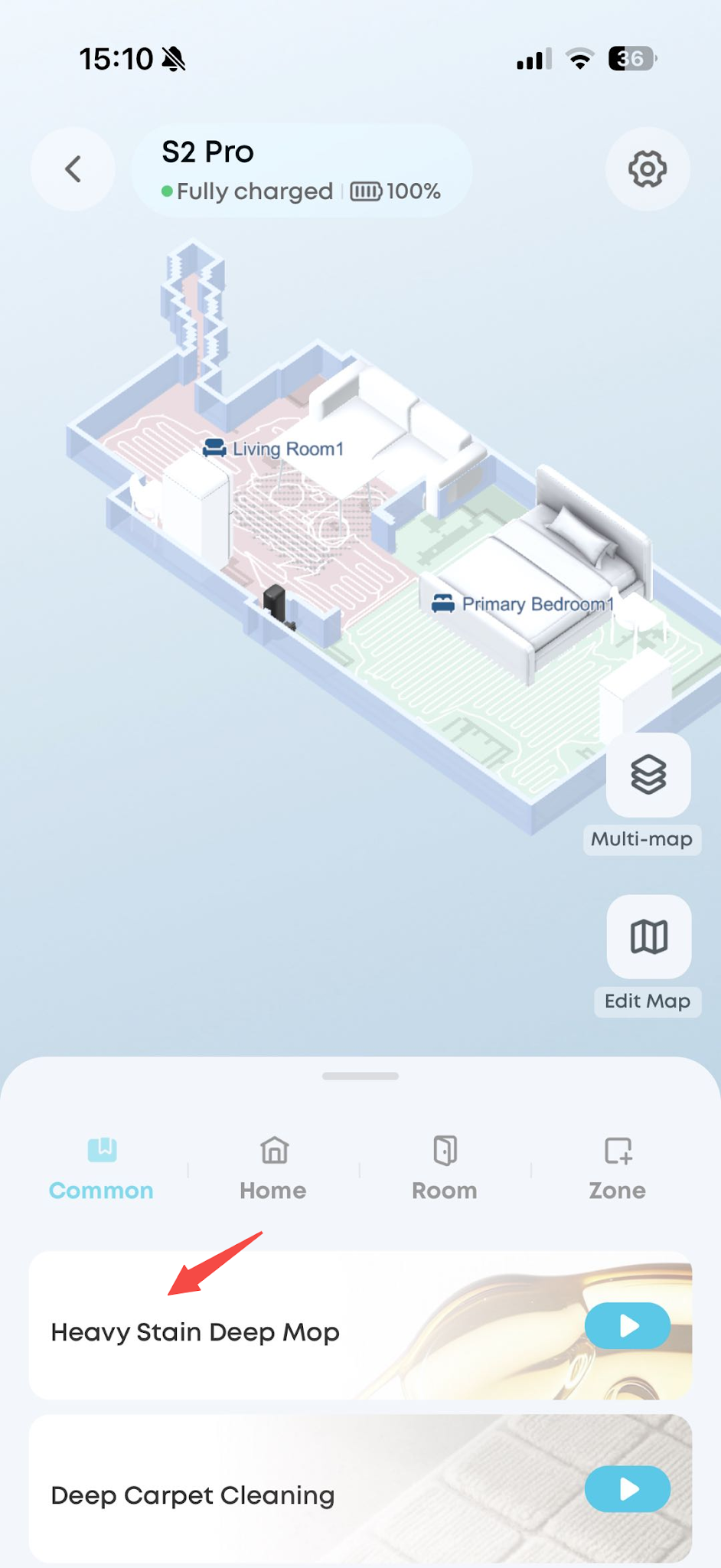
3. If too much water is left on the floor after mopping, lower the water flow to a low level, such as 30% or below. After each adjustment, the roller still holds some residual water, so it takes about 1 to 3 minutes for the water flow to become stable at the adjusted level.
4. Observe whether the robot has actually cleaned the affected area. If it has not, schedule a Zone Cleaning task for that area.
If you have any other questions about the S2 Pro, please don't hesitate to contact eufy Support Center for further assistance.