If the robot gets stuck, please check the following.
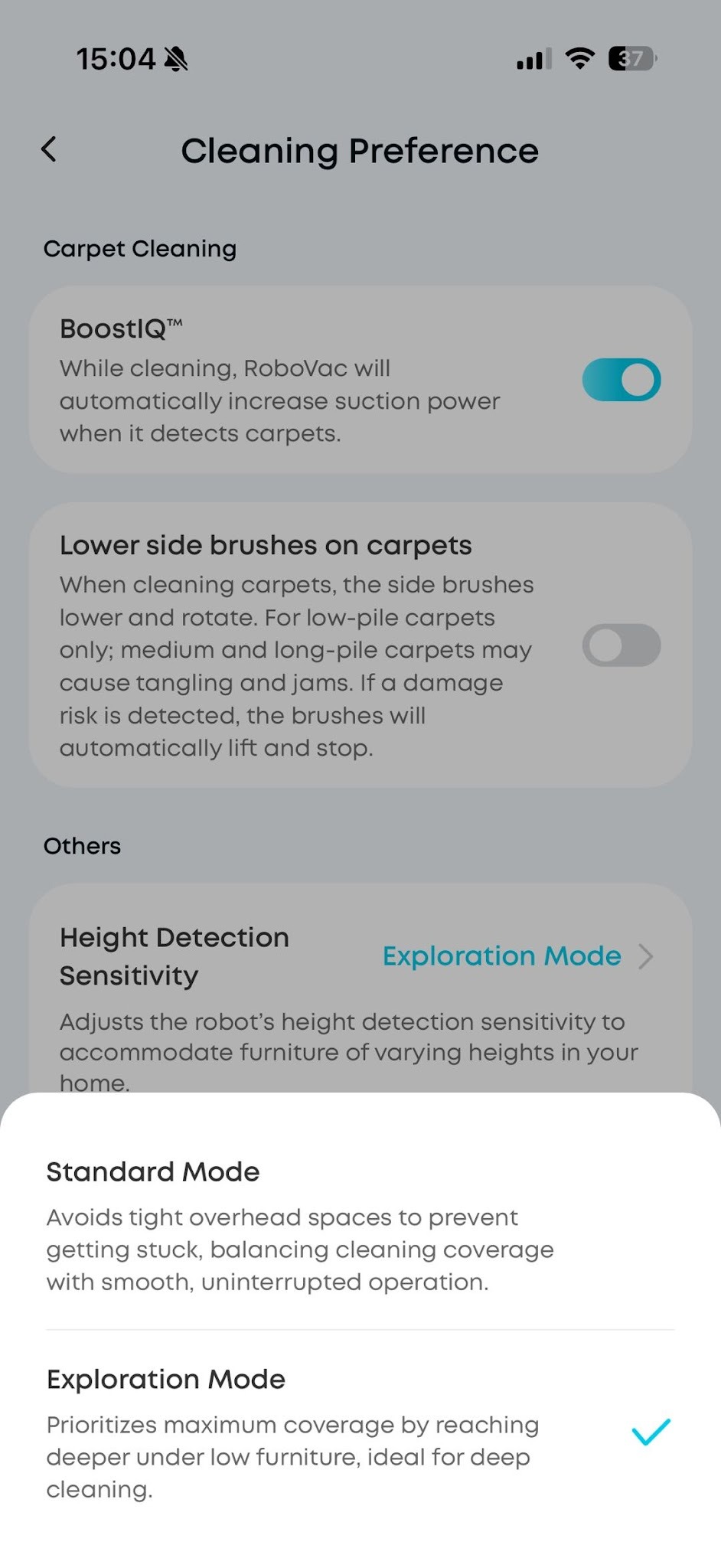
- The S2 Pro has two modes for Height Detection Sensitivity, which you can change in the Anker eufy app to suit your home:
-
Standard Mode: Avoids tight overhead spaces to prevent getting stuck, balancing cleaning coverage with smooth, uninterrupted operation.
-
Exploration Mode: Prioritizes maximum coverage by reaching deeper under low furniture, ideal for deep cleaning.
Note: Due to sensor measurement accuracy, there is an actual error of ±5 mm, which may cause misjudgment or getting stuck.
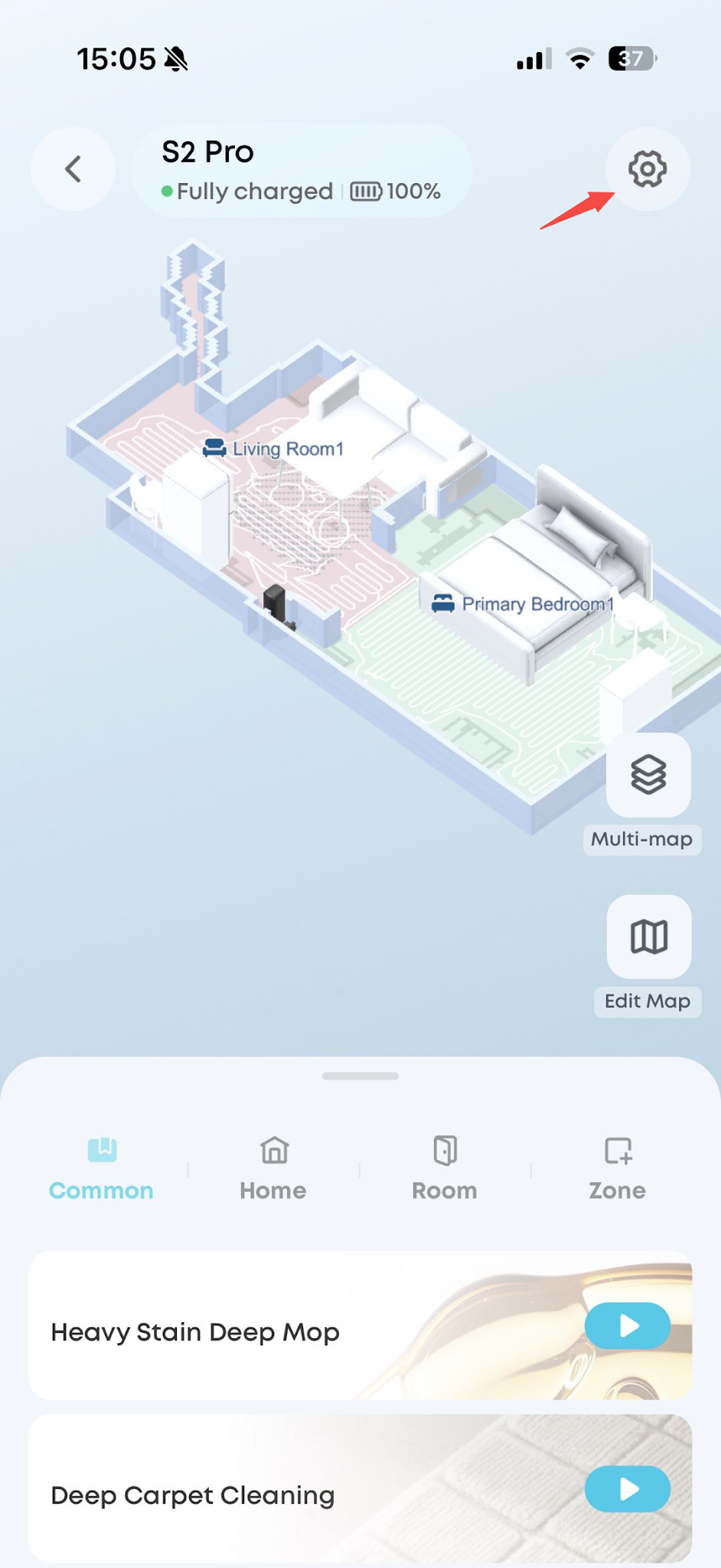
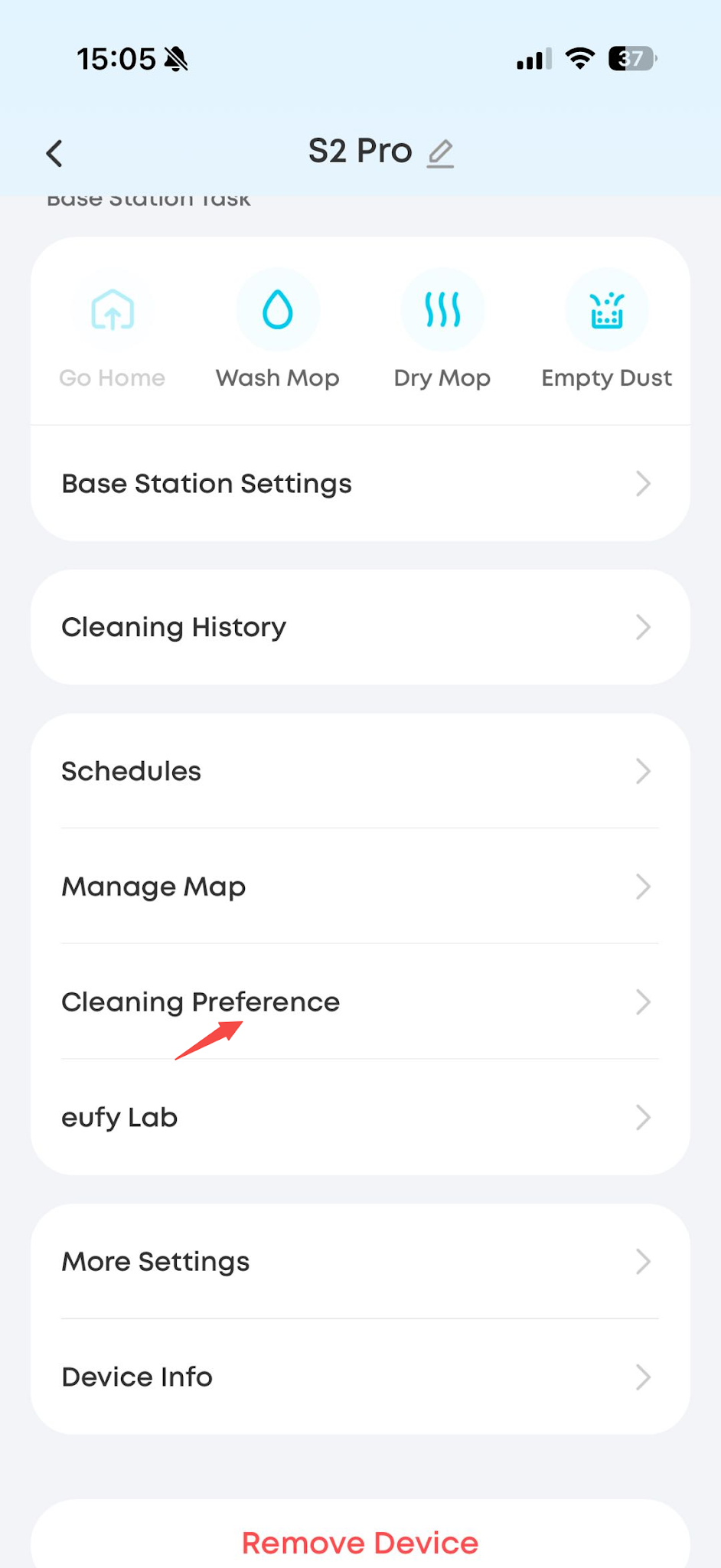
2. We recommend setting No-Go Zones in the Anker eufy app for low areas with a height below 105 mm to prevent the robot from getting stuck.
https://d3pkbgk01oouhl.cloudfront.net/upload_file/prod/Q9.mp4
3. If the robot gets stuck due to uneven or irregular furniture, we recommend setting No-Go Zones in the Anker eufy app to prevent the robot from entering those areas.
4. For special scenarios such as sofas or beds with a carpet in front, the height should be calculated from the carpet surface to the bottom of the furniture. The robot shakes when it moves on carpet, which makes recognition less accurate, so the relative error will be larger. In these cases, please take photos of the relevant area, measure the height, and enable logs.
If you have any other questions about the S2 Pro, please don't hesitate to contact eufy Support Center for further assistance.