If the robot has poor obstacle avoidance or keeps bumping into objects or furniture, please check the following.
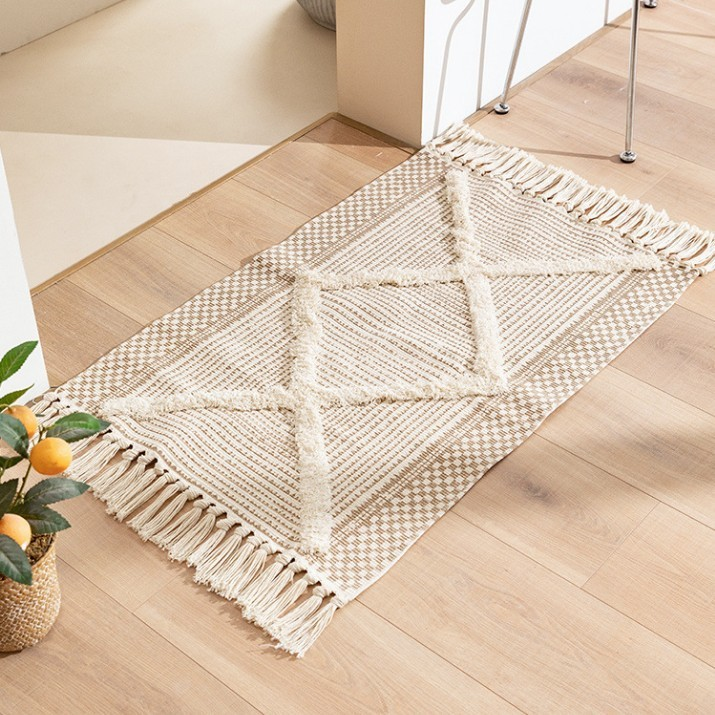
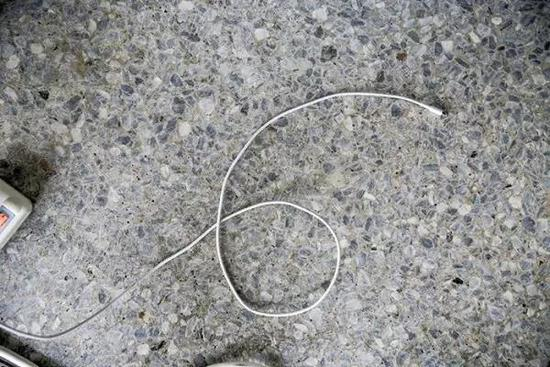
- Objects that are difficult for the robot to avoid include flattened tissues, small building blocks, flattened clothes, blades, data cables, and any objects lower than 1 cm in height. When the robot operates on carpets, its body moves up and down, which makes it difficult to detect obstacles. The minimum height of obstacles that the robot can detect is 3.5 cm.
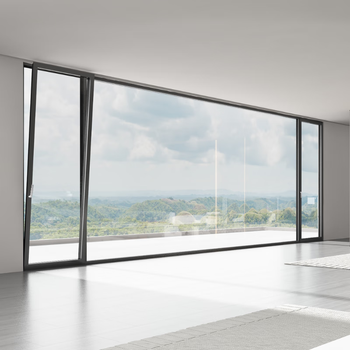
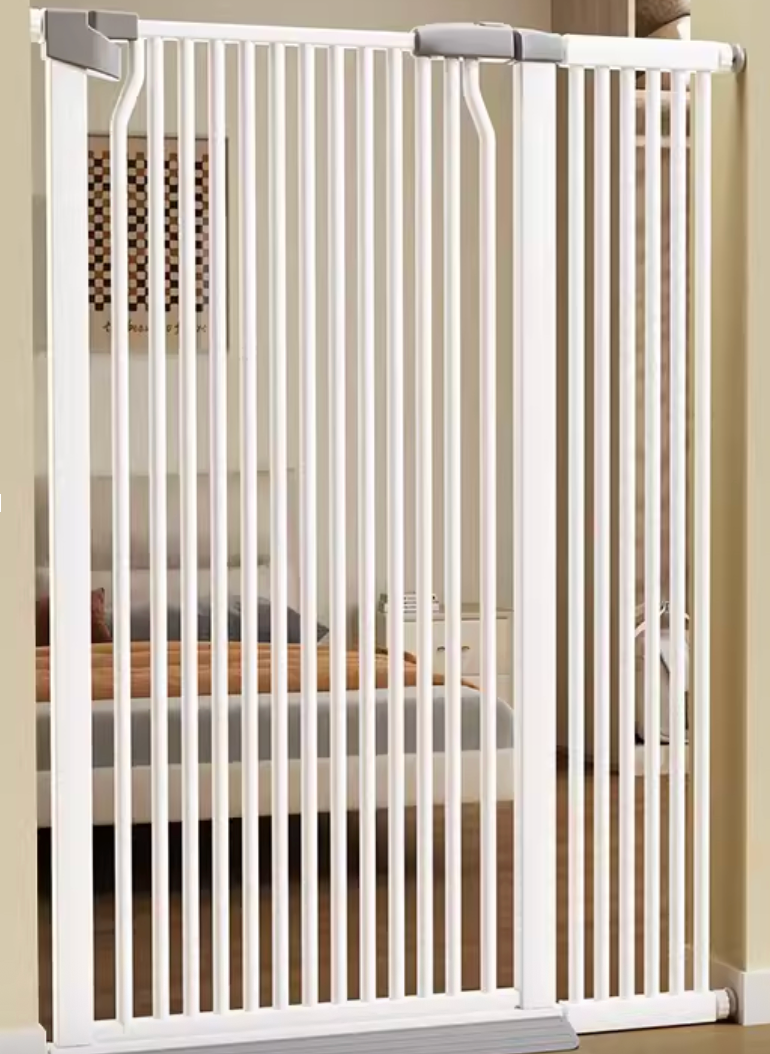
2. Dark-colored, black, or transparent materials cannot be accurately recognized, such as black glass cabinets, glass balcony doors, or pet gates installed at stairs. Due to limitations in recognition accuracy, there is a risk of collision with these objects. For furniture or areas made of these materials, we recommend setting up No-Go Zones in the Anker eufy app.
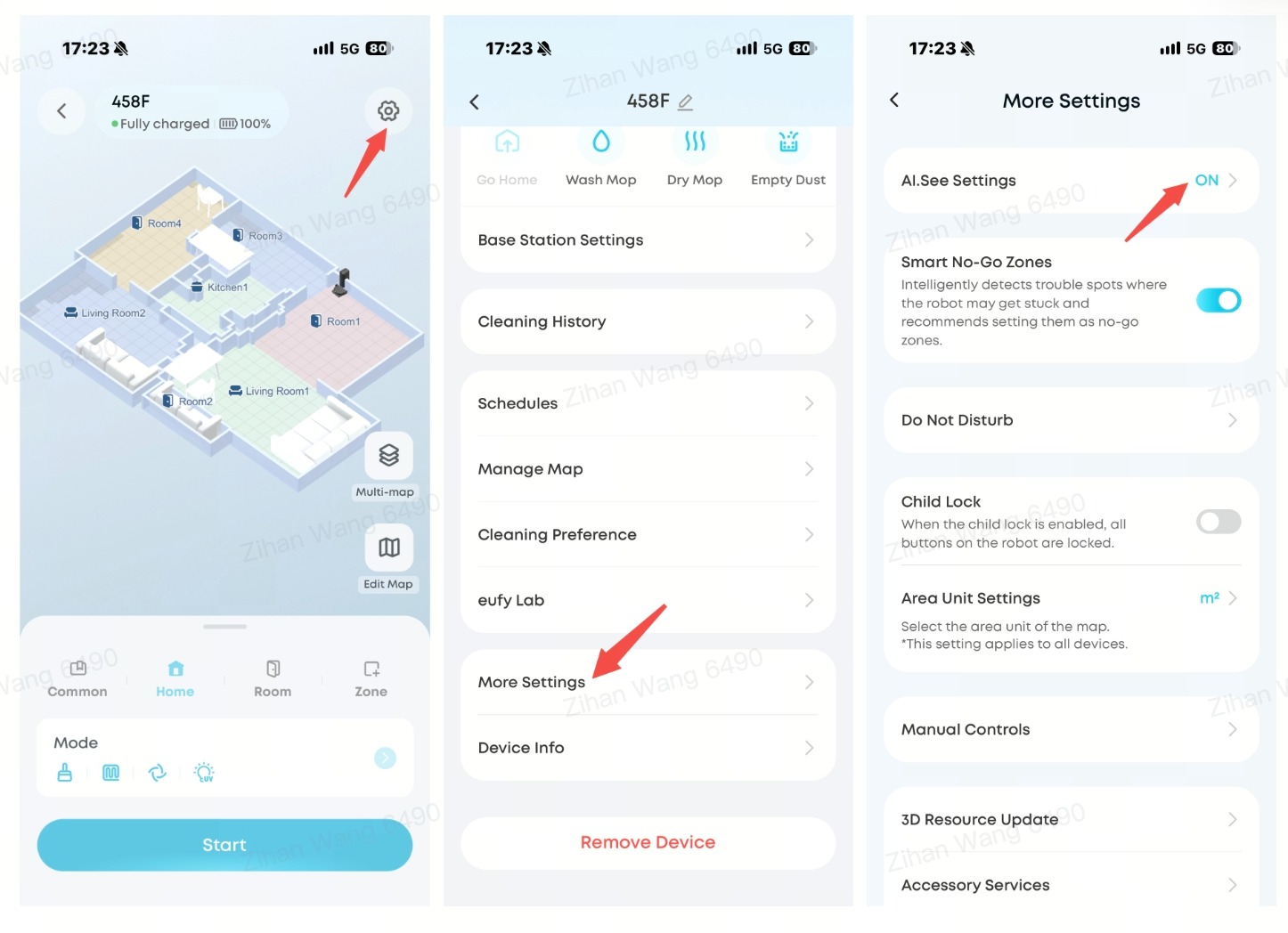
3. Turn on AI See to improve obstacle avoidance. In the Anker eufy app, go to Settings > More Settings > AI See, then turn on the AI See switch. Enabling AI See can significantly improve the robot's ability to avoid obstacles.
4. Before running the robot, remove small objects from the floor, such as data cables and toys, as well as fringed carpets or anything that may cause tangling. For areas where the robot is prone to getting stuck, set No-Go Zones in the Anker eufy app.
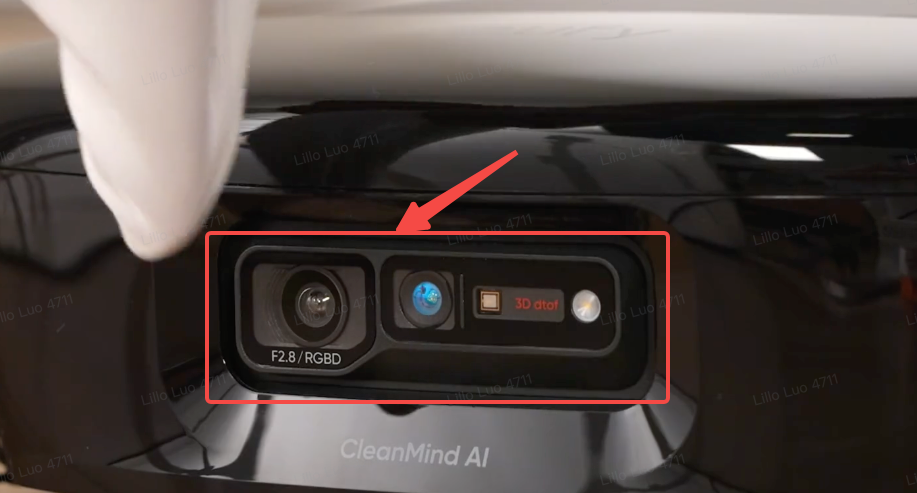
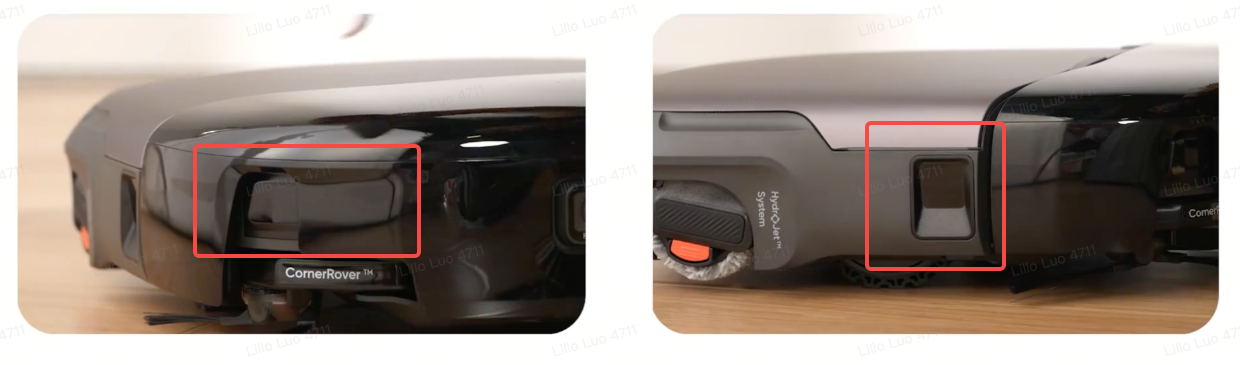
5. Check whether the sensors are blocked or dirty. If the protective film on the front bumper or the white anti-collision foam has not been removed, please remove it. Clean the surfaces of the RGBD sensor, the front-right sensor, and the middle-right sensor.
If you have any other questions about the S2 Pro, please don't hesitate to contact eufy Support Center for further assistance.