If your S2 robot shuts down automatically when placed on the charging base, or if the battery level does not increase after an extended period, follow the troubleshooting steps below. Under normal conditions, a full charge for the S2 robot takes approximately 4 hours.
Step 1: Clean the Charging Pins on the Robot
-
Inspect the metal charging pins on the robot and wipe away any dust, dirt, or debris.
-
If the pins appear rusty, blackened, or cannot be cleaned effectively, please take clear photos and share them with our support team for further assistance.
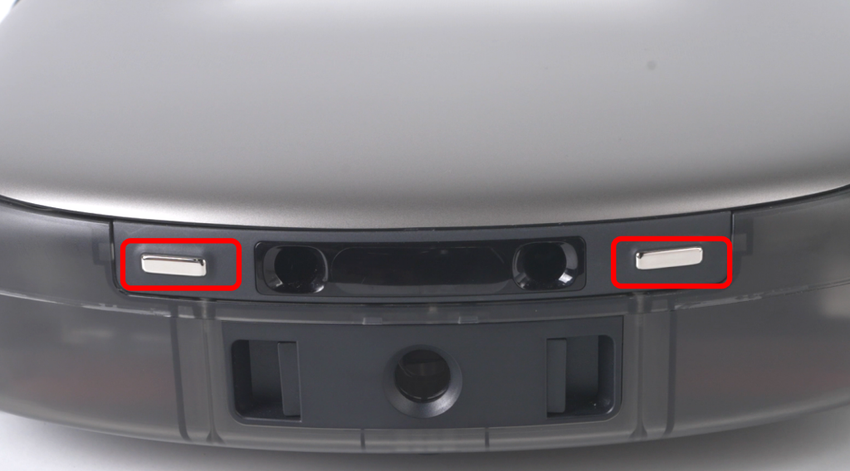
Step 2: Check the Charging Pins on the Base Station
-
Gently press the metal charging pins on the base station to confirm that they move freely and spring back normally. While checking, clean off any dirt or oxidation to ensure proper electrical contact.
Step 3: Ensure Proper Docking Between the Robot and Base Station
-
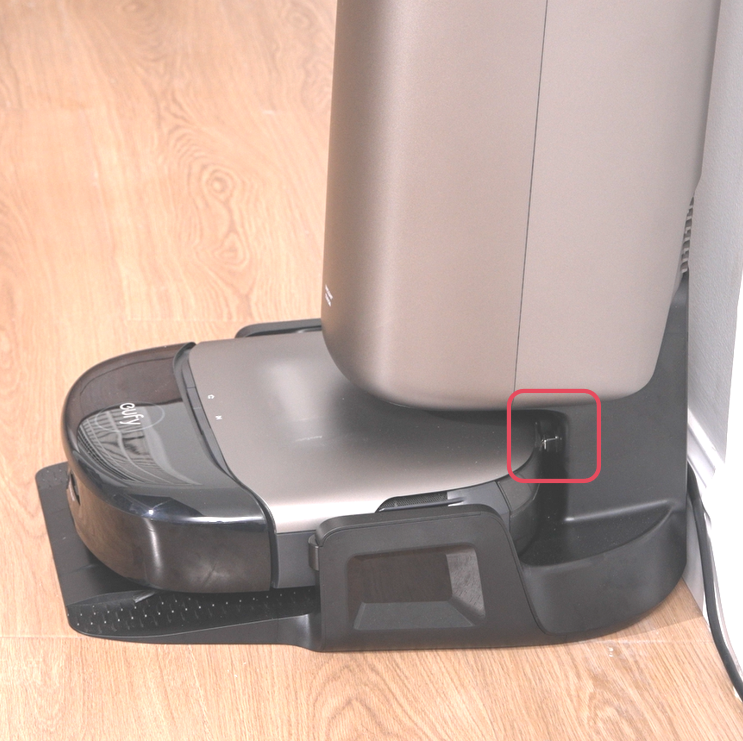
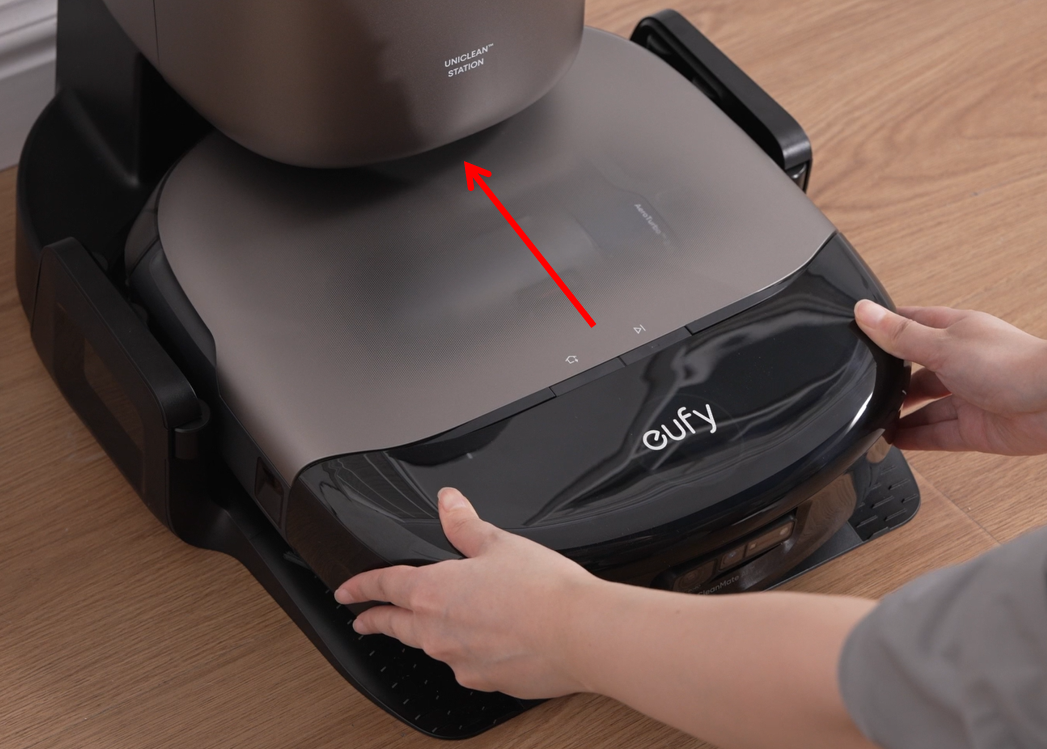
Push the robot fully into the base station so the charging pins on both the robot and the base station are correctly aligned and firmly connected. If the pins do not make proper contact, the robot will not charge.
Step 4: Restart the Robot
-
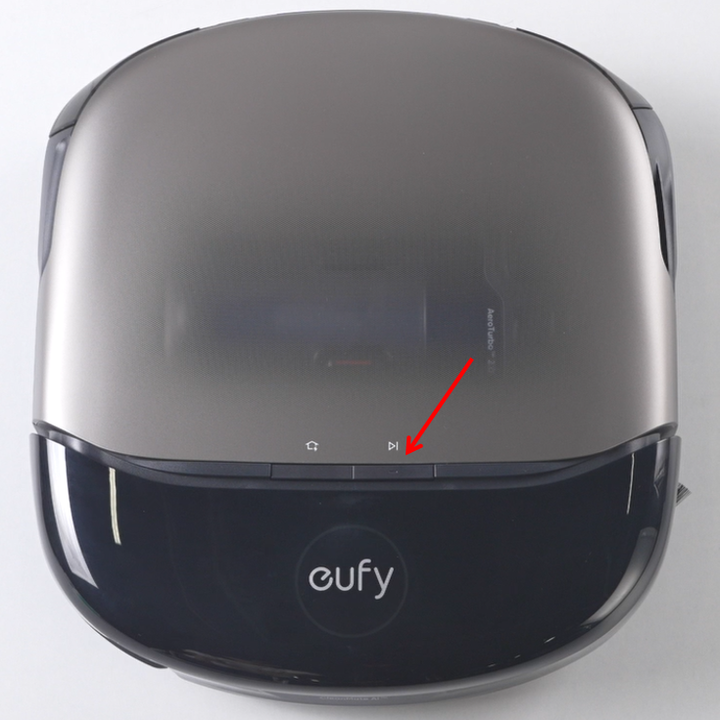
Press and hold the power button on the robot for 3 seconds to restart the system. This step can resolve temporary software issues or charging detection errors.
Step 5: Reset the Base Station Power
-
Unplug the base station’s power cord from the wall outlet, wait 30 seconds, and then plug it back in. This step resets the internal circuitry and may restore normal charging functionality.
Battery Aging Notice
If your S2 robot has been in use for more than one year, battery performance may have degraded significantly, leading to reduced battery life or charging issues. In this case, the battery will need to be replaced.
Please refer to the following video for battery replacement instructions: https://youtu.be/DsZBHNkbnmA.
If you have any additional questions or need further assistance with your S2 robot, please do not hesitate to contact our support team.